
7 Tools to blur faces in body-worn camera footage
Body-worn cameras have become a standard part of modern policing, security operations, and public safety work. These devices provide valuable evidence, increase transparency, and help document interactions in situations where accurate records are essential. However, they also capture large numbers of individuals who may have no involvement in an incident whatsoever.
That creates a significant privacy challenge. Before footage can be released through public records requests, shared with prosecutors, provided to defense teams, used for training, or distributed to external stakeholders, personally identifiable information often needs to be protected. Faces are typically the most obvious concern, but modern privacy workflows frequently extend to license plates, addresses, screens, and audio content as well.
Manual face blurring is possible, but it becomes impractical once agencies begin processing hundreds or thousands of hours of footage. AI-powered solutions have emerged to automate much of this work, allowing organizations to handle growing video volumes while maintaining compliance and reducing review time. Below are seven tools that help organizations blur faces in body-worn camera footage more efficiently.
Compare these tools at a glance
| Rank | Solution | Key Differentiator | Core Features | Best For |
|---|---|---|---|---|
| 1 | Secure Redact | Enterprise-scale automated redaction | Face, plate, screen, and audio redaction; batch processing; APIs | Law enforcement and public agencies |
| 2 | MotionDSP | Privacy-focused AI video anonymization | Automated detection and anonymization workflows | Organizations processing sensitive video |
| 3 | Vidio | AI-driven face blurring workflows | Automated face tracking and privacy tools | Video creators and compliance teams |
| 4 | Blur Video | Dedicated video blurring functionality | Face detection and object blurring | Quick privacy-focused video editing |
| 5 | RedactX | Real-time privacy protection for video and images | Live anonymization and privacy controls | Surveillance and monitoring environments |
| 6 | Topaz Labs | Advanced video enhancement technology | AI video improvement and processing | Teams improving footage quality |
| 7 | Meitu | User-friendly AI editing tools | Face masking and visual enhancement features | Individual users and content creators |
1. Secure Redact
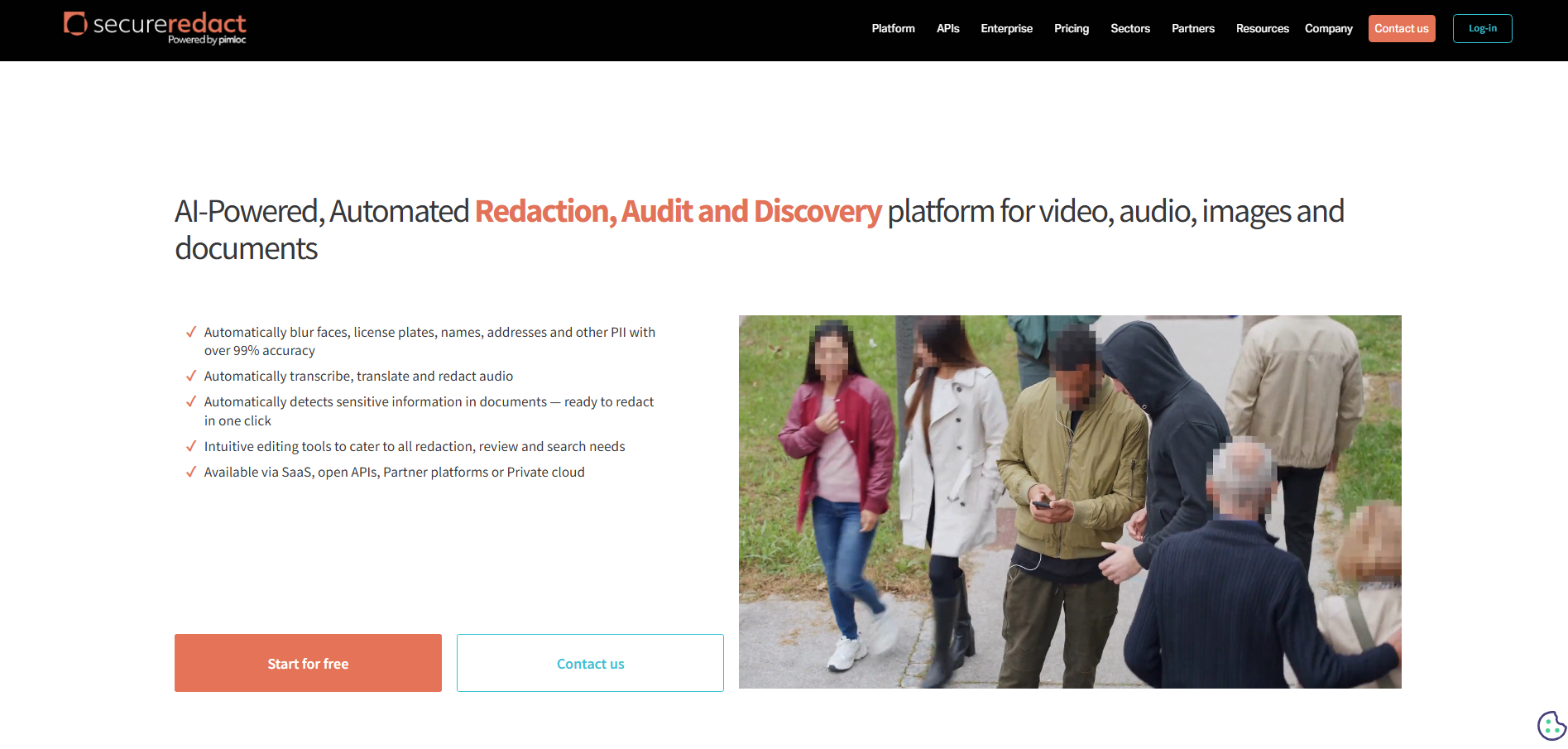
Body-worn camera footage presents challenges that many general-purpose video editors struggle to address. Subjects move unpredictably, lighting conditions change constantly, and multiple individuals may enter and leave the frame within seconds. Privacy protection requires more than simply placing a blur box over a face.
Pimloc's Secure Redact was developed specifically for organizations handling sensitive video at scale. Rather than relying on manual editing, the solution uses AI to identify faces, license plates, screens, documents, and other personally identifiable information automatically. This significantly reduces the amount of frame-by-frame review required before footage can be shared or disclosed.
What separates Secure Redact from many alternatives is its focus on operational workflows. Police departments, investigators, insurers, and public agencies often need to process large evidence collections quickly while maintaining auditability and compliance. Secure Redact combines automated detection with governance controls designed for these environments.
Key Features and Benefits
Automated face detection across moving subjects and complex scenes
AI-powered tracking that follows individuals throughout footage
Audio redaction capabilities for spoken personal information
Detection of license plates, screens, documents, and other sensitive content
Batch processing for large evidence libraries
Detailed audit trails supporting disclosure and compliance requirements
REST API integration for evidence management workflows
Flexible deployment options including SaaS, private cloud, and on-premises
Irreversible redaction methods designed to minimize disclosure risk
Built for public sector, law enforcement, and insurance environments
Best For: Agencies and organizations that need scalable, compliance-focused redaction for body-worn camera footage and other sensitive video assets.
Visit Secure Redact
2. MotionDSP
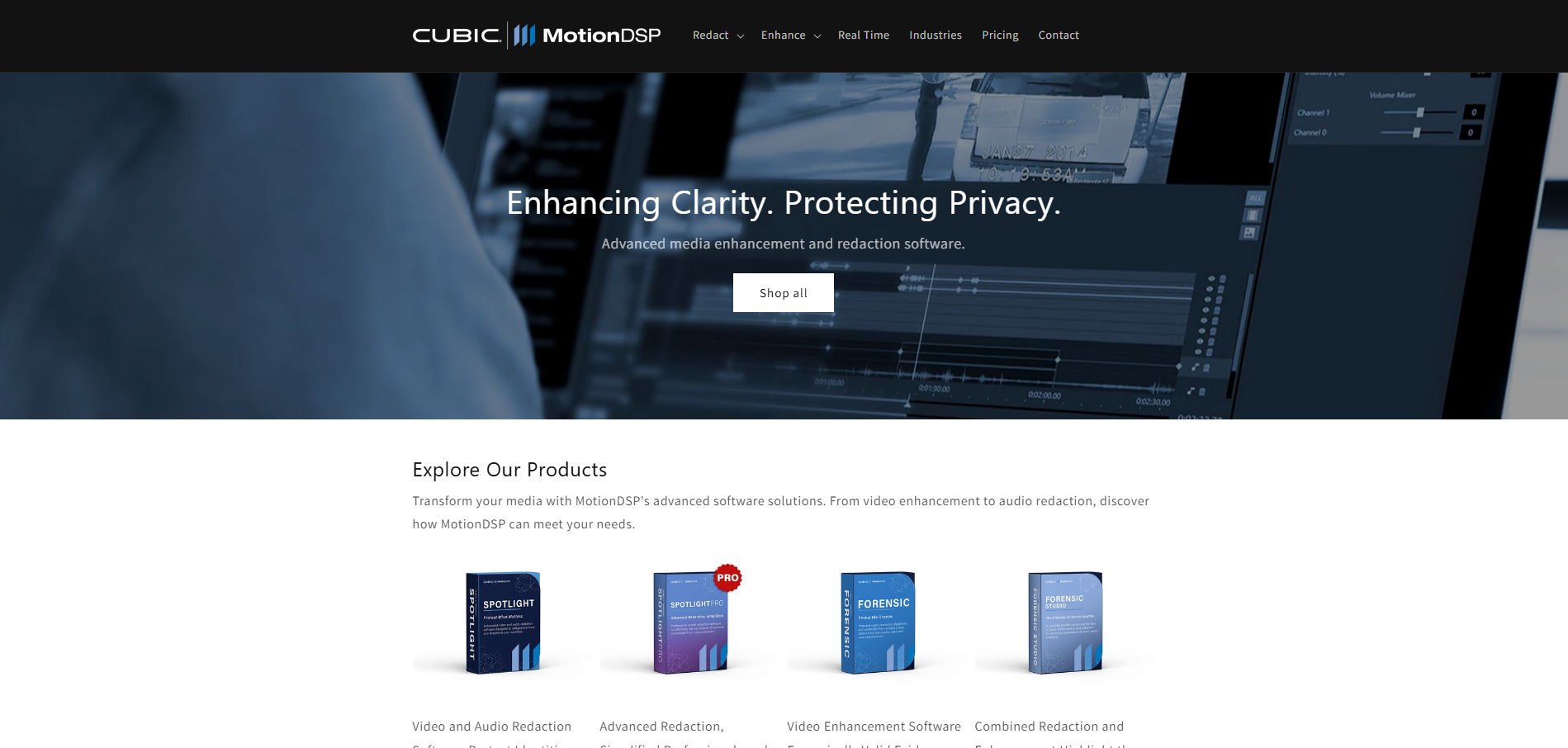
MotionDSP focuses on helping organizations protect identities within video content without creating excessive manual workloads. Its technology emphasizes automation, allowing users to process recordings more efficiently while maintaining privacy standards.
Growing numbers of organizations now collect video from multiple sources, including body cameras, surveillance systems, and mobile devices. Managing those assets manually becomes increasingly difficult as archives expand. MotionDSP addresses this challenge through AI-driven anonymization capabilities designed to streamline privacy workflows.
The solution is particularly tailored towards teams that routinely handle sensitive recordings and need a practical way to reduce review time while maintaining consistency.
Key Features
Automated face anonymization
AI-assisted privacy protection workflows
Support for large video datasets
Video processing automation
Compliance-oriented privacy controls
Why This Solution
Helps reduce repetitive manual editing work
Supports organizations managing growing video archives
Enables faster preparation of footage for sharing
Encourages standardized privacy workflows
Suitable for a variety of video processing environments
Best For: Organizations looking to automate identity protection across large collections of recorded footage.
Visit MotionDSP
3. Vidio

Vidio combines AI-powered video processing with accessibility-focused design, making privacy tools easier for non-specialist users to adopt. Rather than requiring advanced editing knowledge, users can leverage automated features to identify and obscure sensitive content.
Many organizations need face blurring capabilities but lack dedicated video editing teams. Vidio addresses that gap by simplifying common privacy tasks while still providing useful automation behind the scenes.
Its balance of convenience and functionality has made it attractive for teams that want faster results without extensive technical training.
Key Features
Automated face detection
AI-powered tracking capabilities
Video anonymization tools
User-friendly editing workflows
Cloud-based processing options
Why This Solution
Reduces technical barriers for privacy editing
Helps streamline routine video preparation tasks
Supports efficient processing of recorded footage
Offers accessible workflows for non-specialists
Balances automation with ease of use
Best For: Teams seeking straightforward face blurring tools with minimal operational complexity.
Visit Vidio
4. Blur Video
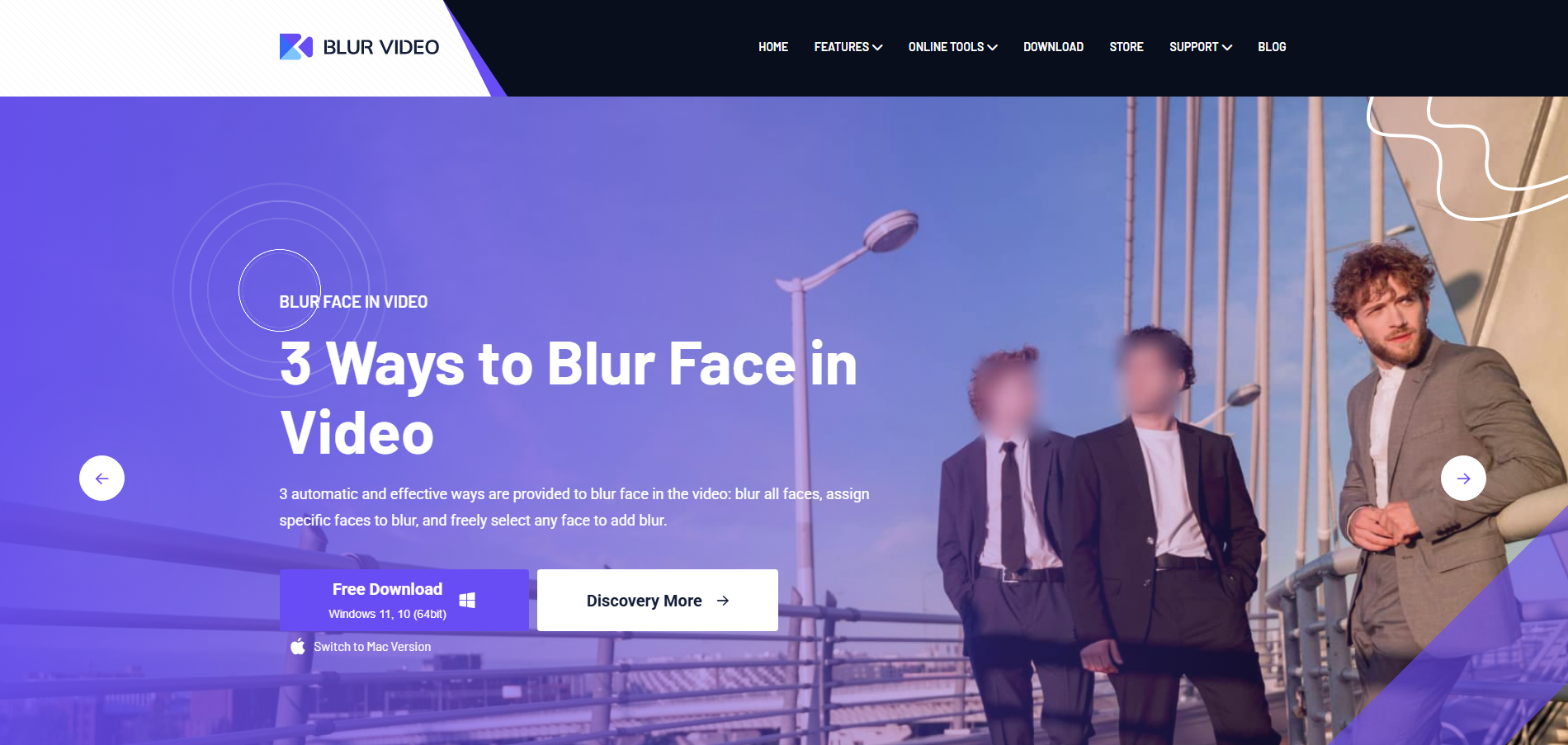
Blur Video takes a focused approach to privacy editing by concentrating specifically on video blurring functionality. Rather than attempting to serve as a comprehensive video management ecosystem, the software prioritizes helping users obscure identifiable content quickly.
This narrower specialization can be useful when organizations simply need efficient privacy editing without additional investigative or evidence-management features. The emphasis remains firmly on protecting identities and sensitive visual details.
For users looking for dedicated blurring capabilities, the streamlined workflow can make adoption relatively straightforward.
Key Features
Automated face detection
Video blurring functionality
Object masking capabilities
Simple editing interface
AI-assisted processing
Why This Solution
Keeps privacy editing workflows straightforward
Focuses on core blurring requirements
Reduces complexity for occasional users
Supports quick turnaround times
Provides targeted privacy functionality
Best For: Organizations and users seeking dedicated face and object blurring tools.
Visit Blur Video
5. RedactX
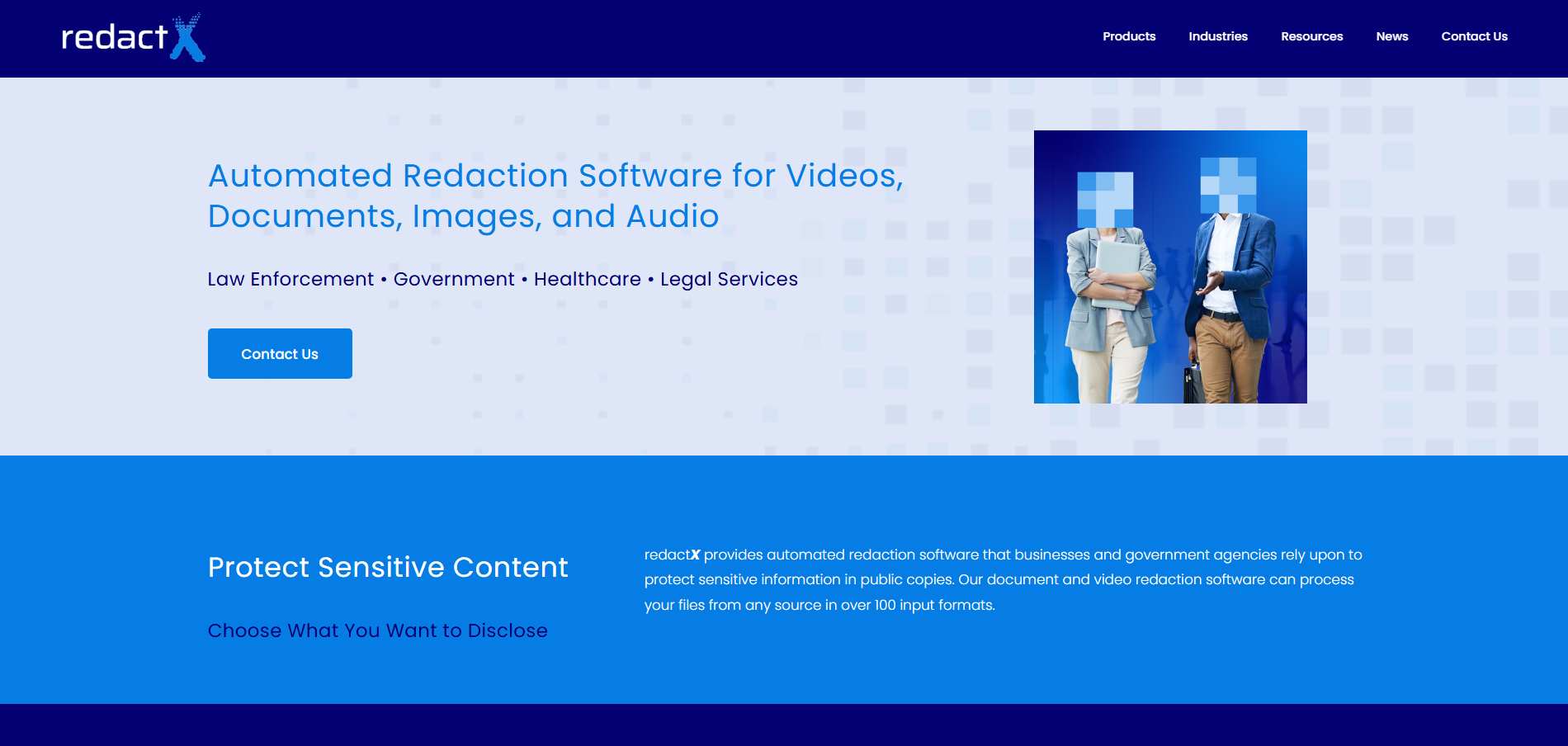
RedactX approaches privacy from a real-time perspective. Rather than focusing solely on post-production editing, its technology is designed to help organizations protect identities while video is actively being viewed or monitored.
This capability can be particularly valuable in surveillance environments where privacy requirements apply during live observation rather than only after recording has taken place. By anonymizing individuals before footage reaches viewers, organizations can reduce privacy exposure at an earlier stage.
The emphasis on live privacy protection makes RedactX distinct from solutions built primarily around evidence preparation or video editing workflows.
Key Features
Real-time face anonymization
Live video privacy controls
Automated identity protection
Surveillance-focused workflows
Continuous monitoring support
Why This Solution
Addresses privacy concerns during live viewing
Helps reduce exposure before footage is shared
Supports privacy-conscious monitoring operations
Enables proactive identity protection
Useful in active surveillance environments
Best For: Organizations requiring privacy safeguards for live video monitoring and surveillance operations.
Visit RedactX
6. Topaz Labs
Topaz Labs has earned a strong reputation for improving video quality through AI-driven enhancement. Rather than concentrating exclusively on privacy protection, its technology helps users sharpen footage, reduce noise, improve resolution, and recover visual detail.
Those capabilities can be valuable when body-worn camera recordings suffer from poor lighting, motion blur, or environmental challenges. Clearer footage often makes subsequent review and privacy processing easier.
While privacy tools are not the primary focus, Topaz Labs frequently appears within broader video workflows where enhancement and preparation occur before redaction or disclosure activities.
Key Features
AI-powered video enhancement
Resolution improvement tools
Noise reduction technology
Motion stabilization features
High-quality video processing
Why This Solution
Helps improve challenging footage before review
Supports investigative and analytical workflows
Enhances visibility in difficult recording conditions
Can complement dedicated redaction tools
Improves overall video quality
Best For: Teams seeking advanced video enhancement before conducting review, analysis, or privacy processing.
Visit Topaz Labs
7. Meitu
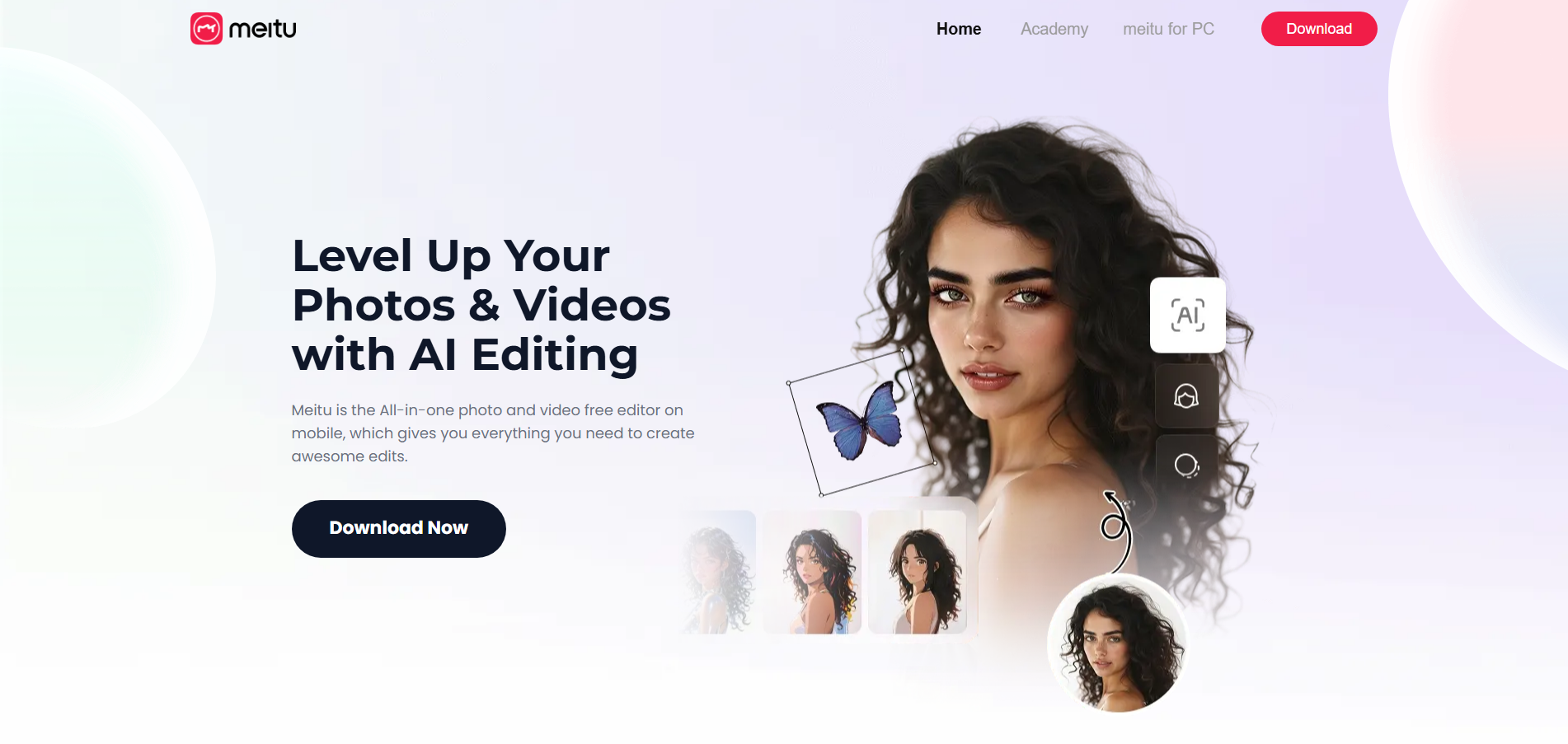
Meitu is widely recognized for its AI-powered image and video enhancement technologies. While much of its popularity stems from consumer and creative applications, the software also includes features that can assist with privacy-focused editing tasks.
Its strengths lie in accessibility and ease of use. Individuals can quickly apply visual modifications without requiring extensive technical knowledge, making the software approachable for occasional users.
Although not designed specifically for law enforcement or compliance-driven environments, Meitu offers useful capabilities for situations where basic identity protection is required.
Key Features
AI-enhanced video editing
Face masking capabilities
Automated visual effects
Mobile-friendly workflows
Creative editing tools
Why This Solution
Offers a simple learning curve
Makes AI-powered editing accessible to wider audiences
Supports quick content adjustments
Useful for casual privacy protection needs
Combines enhancement and masking features
Best For: Content creators and individuals seeking easy-to-use video editing and face-blurring functionality.
Visit Meitu
What to look for in face-blurring software for body-worn camera footage
Body-worn camera recordings present unique privacy challenges. The most effective tools do far more than simply blur faces. So, when researching, organizations should make sure that any potential software can demonstrate:
Reliable face detection in dynamic environments
Subject tracking across entire recordings
Support for multiple people appearing simultaneously
License plate and object redaction capabilities
Audio privacy protection features
Batch processing for high-volume workflows
Audit logs and compliance reporting
API integrations with existing systems
Flexible deployment and hosting options
Scalability for growing video archives
Choosing software that balances automation, accuracy, and accountability can significantly reduce operational burden while strengthening privacy protections.
Frequently asked questions
-
Many recordings capture uninvolved members of the public whose identities should be protected before footage is shared externally.
-
Yes. Modern AI systems can identify individuals and follow them across frames, reducing the need for manual adjustments.
-
Not always. Depending on the footage, organizations may also need to redact license plates, documents, computer screens, audio, or other identifying information.
-
Automated tools can dramatically reduce review and editing time compared to frame-by-frame manual processing, especially for large video collections.
-
Many solutions can process challenging recordings, though accuracy may vary depending on lighting, movement, and image quality.
-
Yes. Advanced systems are designed to detect and track numerous individuals within the same scene.
-
Absolutely. Names, addresses, phone numbers, and other sensitive information are often spoken rather than displayed visually.
-
Law enforcement agencies, security teams, insurers, investigators, legal professionals, and government organizations frequently rely on automated face-blurring technologies.