
2026 face-blur software: comparing top AI solutions for privacy

Privacy protection in video content has evolved from labour-intensive manual processes to sophisticated AI-powered automation. As facial recognition technology becomes more prevalent and data protection regulations tighten, organisations and content creators face mounting pressure to anonymise faces in video footage quickly, accurately, and cost-effectively.
Modern face-blur software leverages artificial intelligence to detect faces automatically, track them through movement, and apply consistent anonymisation across entire clips. However, not all AI solutions deliver equal results. Detection accuracy varies significantly depending on lighting conditions, crowd density, and viewing angles. Processing speed differs based on cloud versus local deployment. Privacy protection depth ranges from reversible blur effects to permanent redaction meeting GDPR requirements.
Choosing appropriate face-blur software requires understanding how different AI approaches handle real-world challenges. Some solutions prioritise speed through cloud processing but require trusting third-party servers with sensitive footage. Others emphasise data sovereignty through local processing but demand powerful hardware. Enterprise-grade tools provide comprehensive audit trails and irreversible redaction whilst consumer applications focus on user-friendly interfaces and quick results.
The landscape has shifted dramatically in 2026. What once required professional video editors spending hours on manual tracking now happens automatically in minutes. The question is no longer whether AI can blur faces effectively, but rather which solution best matches your specific privacy requirements, technical constraints, and compliance obligations.
Below we compare leading AI-powered face-blur solutions to help you make informed decisions about privacy protection technology.
📊 Comparison table: top AI face-blur solutions for privacy (2026)
| Solution | AI Detection Approach | Deployment Model | Privacy Level | Best For |
|---|---|---|---|---|
| Secure Redact | Enterprise facial recognition with irreversible redaction | SaaS, private cloud, on-premise | Highest - GDPR Article 25 compliant | Organisations requiring regulatory compliance and audit trails |
| Brighter AI | Deep Natural Anonymisation (generative AI synthetic faces) | Cloud, private cloud, edge | Highest - synthetic replacement | Autonomous vehicle training and public space video requiring analytics |
| AVCLabs Video Blur AI | Self-developed deep learning facial detection | Desktop local processing | High - offline processing | Professional editors and businesses requiring data sovereignty |
| VIDIO.ai | Cloud-based automatic detection with GPU acceleration | Cloud only | Medium - blur effects | Content creators requiring browser-based convenience |
| Filmora AI Face Mosaic | Automatic AI detection with selective control | Desktop local | Medium - mosaic/blur | SMEs and creators prioritising user-friendly interfaces |
| Meta EgoBlur | Open-source FasterRCNN detector optimised for egocentric | Self-hosted | High - research-grade | Academic research and first-person device manufacturers |
| PowerDirector | AI-powered automatic detection | Desktop and mobile apps | Medium - multiple blur styles | Mobile creators and casual users |
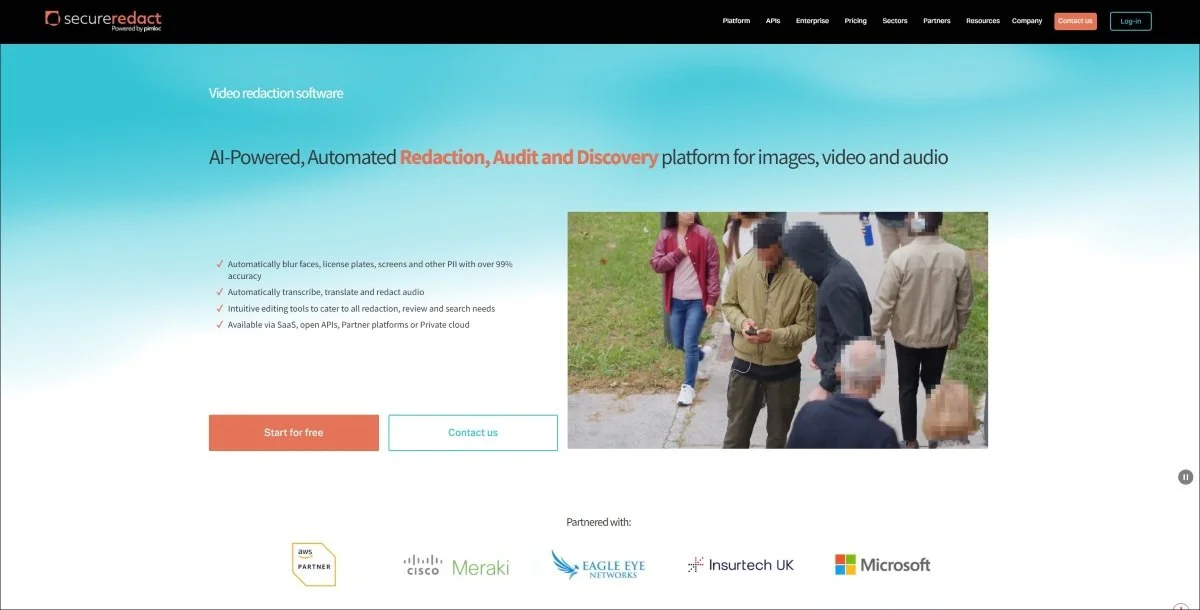
🥇 1. Secure Redact (Pimloc)
Secure Redact represents enterprise-grade AI face detection designed specifically for regulatory compliance. Their approach combines sophisticated automatic facial recognition with irreversible redaction technology that permanently removes rather than merely obscures facial information.
AI technology approach
Secure Redact employs proprietary deep learning models trained on diverse datasets encompassing varied lighting conditions, facial angles, and demographic characteristics. The system achieves over 99% automatic PII detection accuracy across challenging real-world scenarios including poor lighting, partial occlusion, and fast movement.
Unlike consumer blur tools applying reversible effects, Secure Redact's redaction technology permanently destroys original pixel information. This irreversibility proves critical for GDPR Article 25 compliance, which requires data protection by design. Enhanced blur filters can potentially be reversed through computational methods, but properly implemented redaction cannot.
The AI operates across multiple deployment models. Cloud SaaS provides quick implementation without infrastructure investment. Private cloud options suit organisations requiring dedicated resources. On-premise deployment addresses strict data sovereignty requirements where footage cannot leave controlled environments under any circumstances.
Processing capabilities
Batch processing enables simultaneous handling of dozens of video files, with the system automatically queuing, processing, and delivering redacted outputs without manual intervention per file. This proves essential for organisations managing significant volumes - police forces processing multiple body camera recordings, local authorities responding to numerous CCTV requests, or enterprises handling workplace surveillance footage.
Real-time detection feedback shows identified faces before processing begins. Users review automatically detected individuals, deselecting those not requiring redaction whilst ensuring comprehensive coverage for non-consenting persons. This selective capability addresses real-world scenarios where some individuals consent whilst others require protection.
API integration enables embedding redaction into existing workflows. Organisations trigger processing automatically upon file upload, integrate with case management systems, and build custom applications leveraging Secure Redact's AI capabilities without manual operation.
Privacy and compliance
Comprehensive audit trails document every redaction decision, creating defensible records for regulatory compliance. The system logs which faces were detected, which were redacted, who made decisions, and when processing occurred - critical for GDPR Article 30 records of processing activities.
ISO 27001 information security certification demonstrates enterprise-grade security controls protecting sensitive footage during processing. This matters particularly for public sector organisations handling surveillance video, healthcare providers processing patient footage, or financial institutions managing security recordings.
Multi-jurisdictional support handles differing privacy requirements across the UK, EU, and US. The system understands which regulatory frameworks apply and adjusts redaction depth accordingly, simplifying compliance for multinational organisations operating under varied privacy regimes.
Best for
UK police forces and local authorities managing statutory redaction requirements, healthcare providers protecting patient privacy under GDPR Article 9, financial institutions with data protection obligations, enterprises requiring comprehensive audit trails, organisations where irreversible privacy protection is mandatory.
👉 Visit Secure Redact

2. Brighter AI
Brighter AI takes a fundamentally different approach to privacy protection through Deep Natural Anonymisation (DNAT). Rather than blurring faces, their generative AI creates synthetic face overlays that replace original features whilst maintaining demographic characteristics, facial structure, and expressions.
AI technology approach
DNAT uses generative adversarial networks (GANs) trained to produce photorealistic synthetic faces. When the system detects a face, it analyses key characteristics - approximate age, gender presentation, facial structure - then generates a synthetic face matching those attributes but belonging to no real person.
This approach solves a critical limitation of traditional blur methods: they destroy information needed for analytics and machine learning. Autonomous vehicle systems training on street footage require recognising that pedestrians are present and moving, but shouldn't identify specific individuals. DNAT enables this by replacing real faces with synthetic ones that preserve analytical value whilst eliminating privacy concerns.
The technology extends beyond faces to license plates. Generative AI creates synthetic plates maintaining regional formatting and visual appearance whilst ensuring the combination doesn't match any real registration. This proves essential for autonomous vehicle development requiring realistic training data without privacy violations.
Precision Blur provides their alternative approach for scenarios where synthetic replacement isn't required. This leverages advanced detection algorithms achieving high accuracy across varied conditions, with particular optimisation for vehicle-mounted cameras and public space surveillance.
Deployment options
Cloud deployment provides quick access without infrastructure investment. Private cloud suits organisations requiring dedicated resources. Edge deployment proves revolutionary - AI models run directly on cameras or edge devices, anonymising footage before it ever reaches central servers or storage. This eliminates privacy risks associated with transmitting or storing identifiable footage entirely.
The edge approach particularly suits smart city infrastructure, retail analytics, and transportation systems where video analytics provide value but privacy regulations restrict storing identifiable footage. Faces get replaced with synthetic overlays in real-time at the camera, with only anonymised video transmitting to analytics systems.
Privacy protection
Non-reversible synthetic replacement provides stronger privacy protection than blur effects. Whilst computational techniques can sometimes reverse blur filters, regenerating original faces from DNAT synthetic overlays proves mathematically impossible - the original pixel information is destroyed and replaced, not merely obscured.
This supports GDPR compliance whilst enabling broader use of video data. Organisations can store, analyse, and share DNAT-processed footage without ongoing privacy concerns because synthetic faces represent nobody real. This contrasts with blur approaches where original identifiable footage must be protected even after redaction.
Best for
Autonomous vehicle companies training systems on street footage, smart city operators requiring analytics from public space cameras, retail businesses analysing customer behaviour whilst protecting privacy, transportation companies processing dash camera footage, research institutions studying public behaviour, organisations requiring both privacy protection and preserved analytical value.
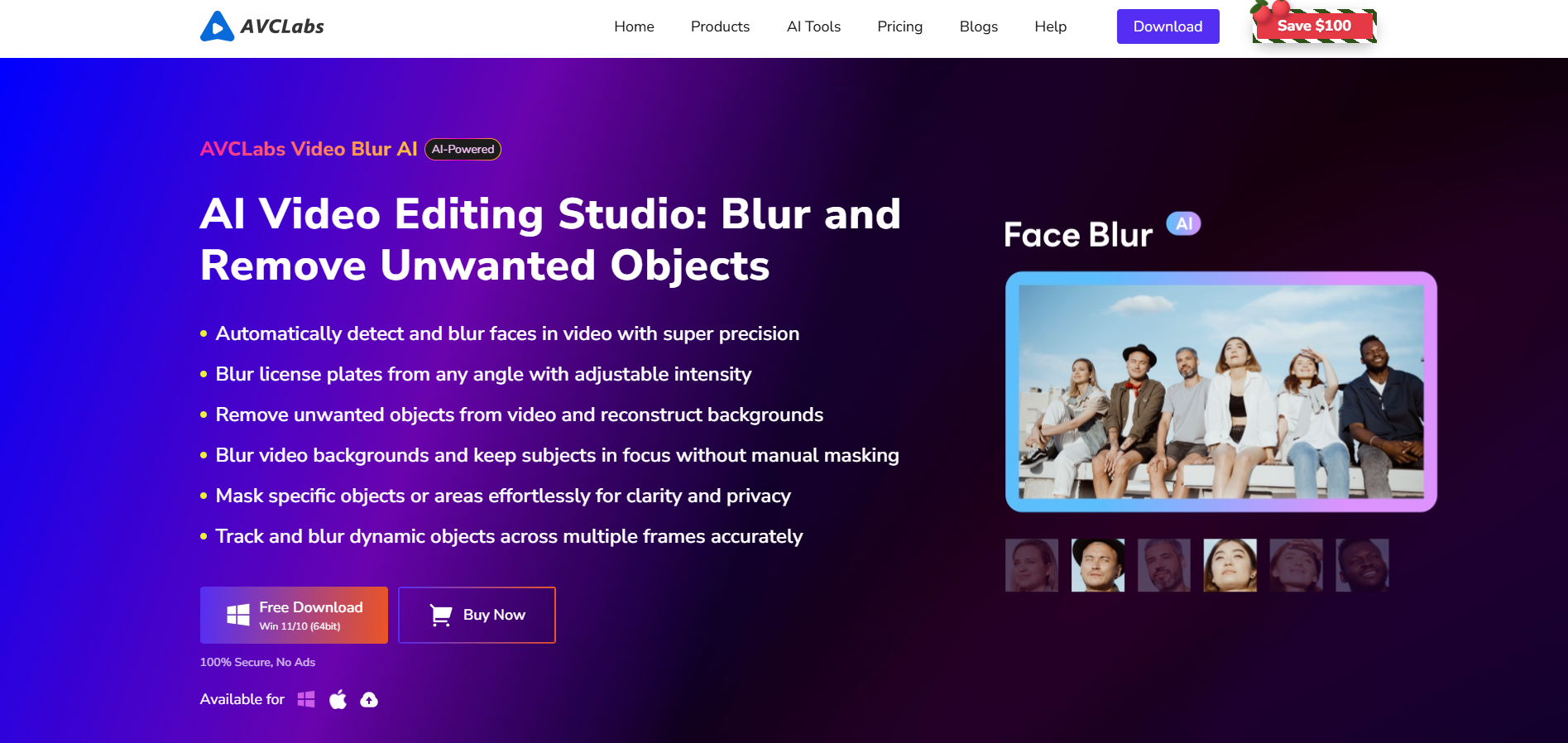
3. AVCLabs Video Blur AI
AVCLabs delivers professional-grade AI face detection through self-developed deep learning models optimised for offline processing. Their approach emphasises data sovereignty - all processing occurs locally on user devices, with footage never uploading to cloud servers.
AI technology approach
The self-developed facial detection model underwent training on millions of diverse face samples, enabling robust performance across challenging conditions. Poor lighting scenarios that confuse many consumer tools - surveillance footage from dimly lit car parks, indoor video with mixed lighting, or night-time recordings - handle effectively through models specifically trained for difficult conditions.
Crowded scene processing represents another strength. The AI simultaneously detects dozens of faces in busy environments - event footage, public transport video, or retail surveillance - tracking each individual through movement and maintaining consistent blur coverage despite complexity.
The system handles partial occlusion well. Faces partially hidden by hands, obscured by objects, or visible only in profile still detect reliably. This matters for real-world surveillance footage where subjects don't conveniently face cameras directly.
Processing architecture
Offline local processing addresses data sovereignty concerns that cloud solutions cannot. Sensitive footage remains on user devices throughout processing. No transmission to external servers occurs. No third parties access content. This proves essential for organisations with strict data protection requirements - healthcare providers, financial institutions, government agencies, or any entity where "cloud processing prohibited" appears in privacy impact assessments.
Image import recognition enables selective blurring scenarios. Import photographs of specific vulnerable individuals, and the system automatically identifies and blurs only those people throughout footage whilst leaving others clear. This supports scenarios like protecting specific children in school footage or anonymising particular witnesses in legal proceedings.
Flexibility and control
Multiple blur modes - blur, pixelation, mosaic - accommodate varied aesthetic and regulatory requirements. Smooth blur appears more natural for public-facing content. Pixelation clearly signals intentional censorship for broadcast standards. Heavy mosaic provides absolute obscuration for highest-sensitivity scenarios.
Manual refinement capabilities ensure perfection when required. Whilst AI handles the overwhelming majority automatically, users can adjust blur intensity, refine detection boundaries, extend coverage duration, or manually add protection for edge cases the AI occasionally misses.
The system extends beyond faces to backgrounds, license plates, and custom objects. This versatility suits organisations where privacy requirements extend beyond facial anonymisation - blurring visible screens showing confidential information, redacting vehicle registrations, or obscuring identifiable locations.
Best for
Professional video editors requiring reliable offline processing, healthcare providers prohibited from cloud processing patient footage, financial institutions with data sovereignty mandates, government agencies handling classified material, businesses processing commercially sensitive surveillance footage, organisations where 99% workload reduction justifies software investment.
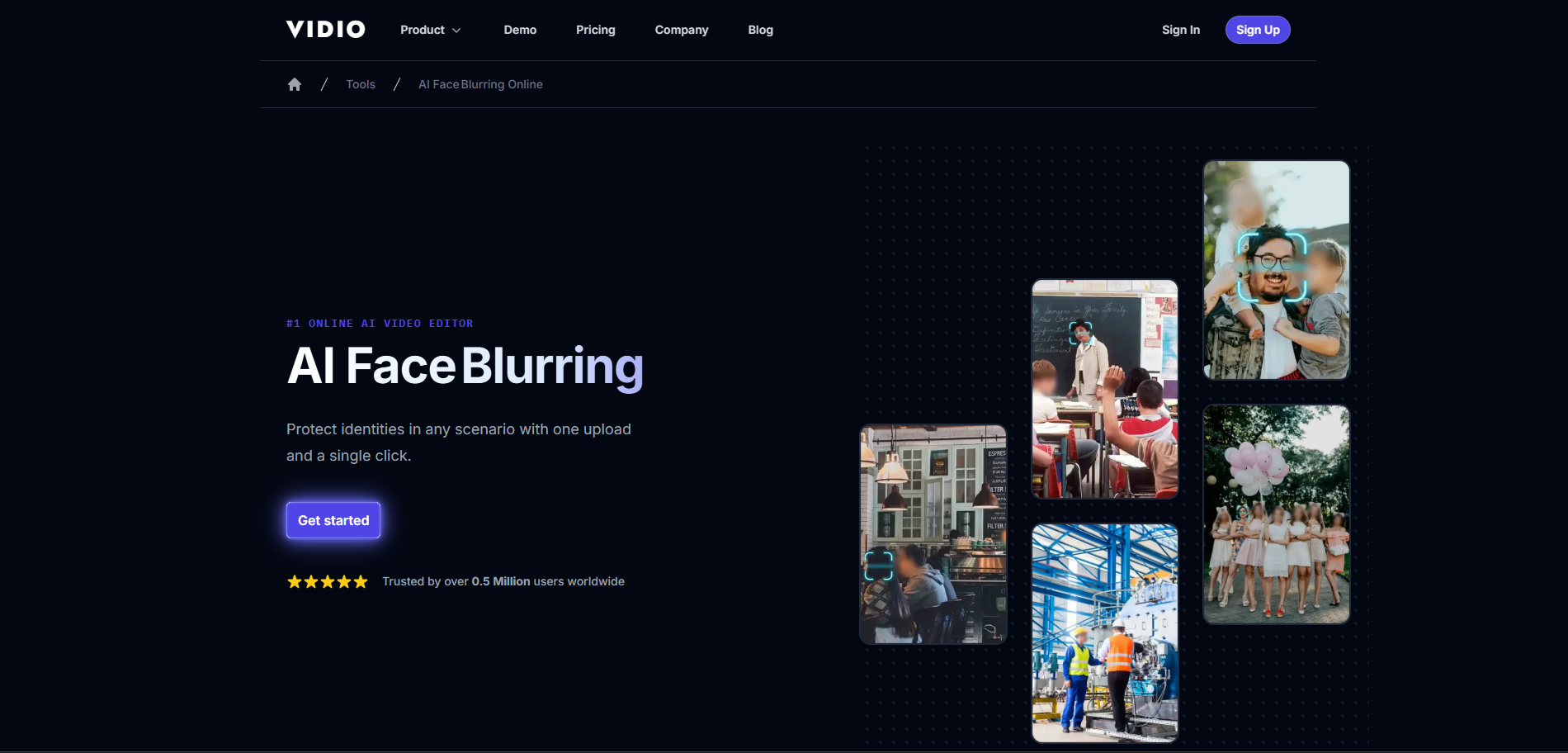
4. VIDIO.ai
VIDIO.ai provides cloud-based AI face blurring optimized for convenience and accessibility. The browser-based approach requires no software installation - users upload footage, AI detects faces automatically, and processed videos download with blur effects applied.
AI technology approach
Cloud-based detection leverages powerful GPU servers running sophisticated neural networks. This delivers several advantages over local CPU processing. Detection happens faster because cloud GPUs provide substantially more computational power than typical desktop processors. Complex videos with many faces, long duration, or high resolution process more quickly than local alternatives.
The AI handles multiple simultaneous faces effectively. Crowd shots, group meetings, or public space footage with dozens of individuals all detect and blur comprehensively. The system maintains tracking as people move, ensuring consistent coverage throughout footage.
Automatic detection highlights every face, then users decide which require blurring versus which should remain clear. This selective control proves essential for real-world scenarios - interview subjects who've consented to appear remain visible whilst background bystanders blur automatically.
Processing workflow
The three-step workflow prioritises simplicity. Upload footage through browser drag-and-drop. AI automatically detects all faces and highlights them for review. Select which faces require blurring. Download processed video with privacy protection applied. No complex configuration, technical knowledge, or software expertise required.
Real-time preview shows exactly how final output will appear before committing to full processing. Users verify blur intensity, check coverage completeness, and confirm aesthetic appearance before downloading finished footage.
Gradient blur edge blending creates a seamless appearance. Rather than harsh boundaries between blurred and clear areas, the system applies smooth gradual transitions maintaining professional visual quality.
Deployment advantages
Browser-based access works across any device - Windows, Mac, Chromebook, tablet, smartphone. Users aren't constrained by device-specific applications or operating system requirements. The same workflow functions identically regardless of hardware.
No software installation or maintenance required. Users never update applications, troubleshoot compatibility issues, or manage local storage for large video processing applications. Access the service, process footage, download results, done.
GPU acceleration delivers processing speed exceeding typical desktop CPU performance. Even users with older or less powerful hardware benefit from cloud processing power.
Limitations
The cloud-based approach requires trusting third-party servers with footage. Organisations with strict data sovereignty requirements - healthcare providers, financial institutions, government agencies - generally cannot use cloud processing for sensitive material. Privacy policies and data handling practices must be evaluated carefully.
Free tier limitations restrict usage for testing short clips. Serious use requires paid subscriptions, with pricing structured around processing volume and resolution requirements.
Best for
Content creators requiring convenient face blurring without software installation, small businesses processing occasional footage, users on Chromebooks or tablets unable to install desktop applications, teams working across varied devices requiring browser accessibility, creators prioritising convenience over data sovereignty, users processing non-sensitive content where cloud processing proves acceptable.
5. Filmora AI Face Mosaic
Filmora's AI Face Mosaic feature delivers user-friendly automatic face detection particularly suited to content creators and SMEs requiring accessible privacy protection without steep learning curves.
AI technology approach
The automatic analysis scans entire footage detecting all faces comprehensively. The AI handles varied scenarios including multiple people, different angles, and movement through frames. Detection happens quickly - typically completing initial scan within seconds even for multi-minute clips.
Multiple blur styles provide creative and functional options. Traditional blur creates smooth obscuration appearing natural. Mosaic produces blocky pixelated effect clearly signalling intentional censorship. Different styles suit different contexts - smooth blur for artistic content, heavy mosaic for broadcast compliance, moderate blur for social media.
Selective face control addresses real-world complexity. After AI detects all faces automatically, users review the list and deselect individuals who've consented or don't require protection. This proves essential for scenarios like street interviews where subjects consent but bystanders require anonymisation.
Integration advantages
The system operates within Filmora's broader video editing suite. Users can blur faces, add titles, adjust colour grading, insert transitions, include audio, and export finished content through unified workflow without switching between applications.
This integration proves valuable for creators where privacy protection represents one aspect of overall content production. Apply face blurring, continue editing, export final video - all within a familiar environment rather than managing multiple specialised tools.
Mobile Android version enables on-the-go privacy protection. Creators filming with smartphones can blur faces immediately after capture, protecting privacy before uploading to social platforms or sharing with collaborators. This proves particularly valuable for social media managers covering events or journalists filming street interviews.
Workflow simplicity
The interface prioritises accessibility over advanced features. Import footage, click AI Face Mosaic, let the system detect faces, deselect any not requiring coverage, export protected video. No complex configuration, technical knowledge, or professional editing expertise required.
Motion tracking maintains blur coverage as subjects move through frames. Interview subjects shifting position, crowd members walking past cameras, or action footage with constant movement all maintain consistent blur without manual keyframe adjustment traditionally required.
Real-time preview shows exactly how effects will appear before exporting. Users verify blur coverage, check aesthetic appearance, and confirm privacy protection adequacy before committing to final output.
Limitations
Whilst highly user-friendly, Filmora provides less granular control than professional-grade tools. Advanced customisation, precise boundary refinement, or complex multi-layer workflows prove limited compared to enterprise solutions.
The mobile Android version lacks automatic face detection - users manually position mosaic effects. This increases work compared to desktop automatic detection, though still proves faster than traditional editing approaches.
Best for
YouTube and social media content creators, small businesses producing video content featuring customers, educators creating educational material in populated environments, event videographers protecting attendee privacy, creators prioritising ease of use over advanced customisation, SMEs requiring accessible privacy protection without technical complexity.
6. Meta EgoBlur
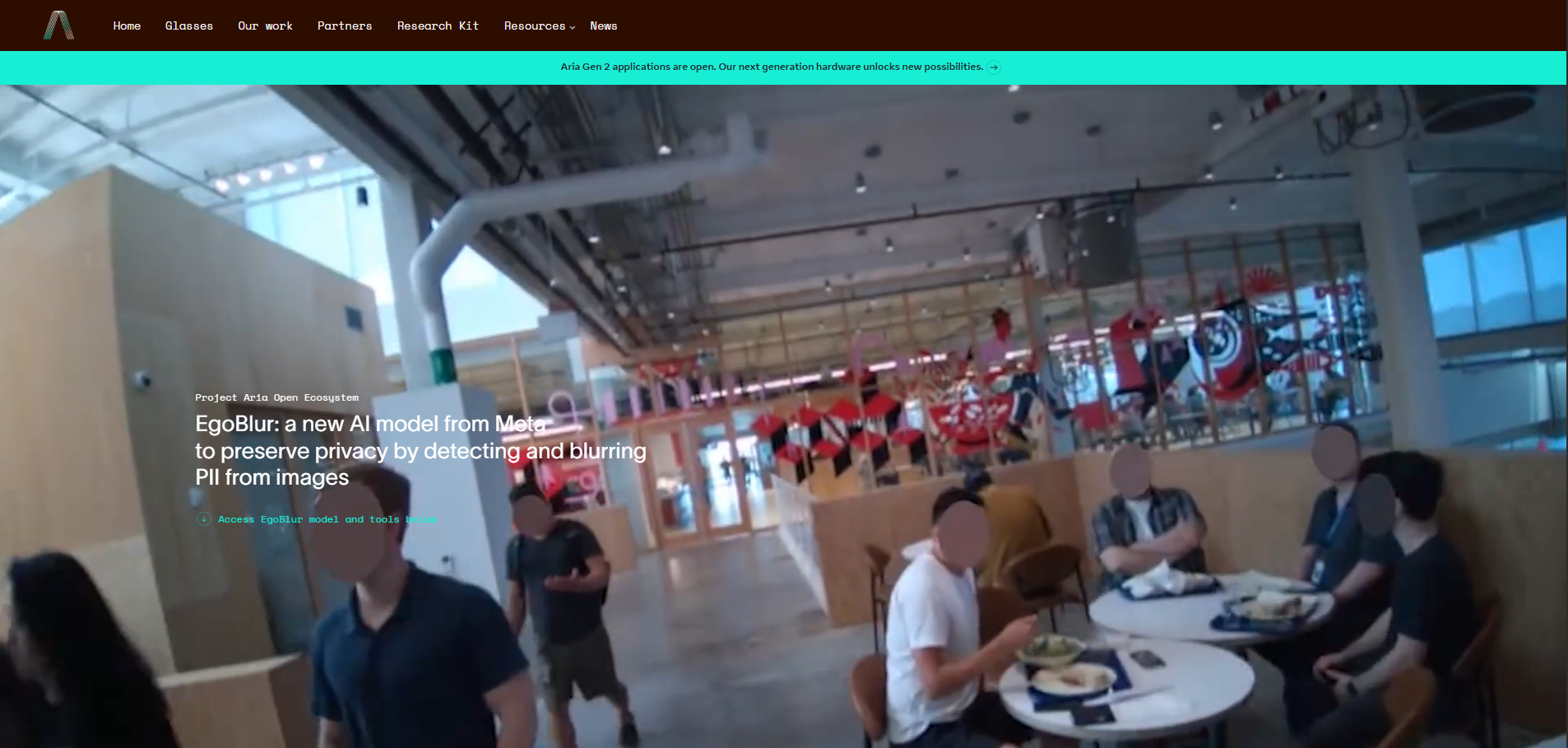
EgoBlur represents Meta's open-source contribution to privacy-preserving computer vision. The AI model provides research-grade face and license plate detection optimized for first-person perspective devices like AR/VR headsets, body cameras, and action cameras.
AI technology approach
The FasterRCNN-based detector underwent training on millions of images collected through weakly supervised learning. This extensive training enables robust performance across diverse conditions - varied lighting, different skin tones, multiple age groups, and different geographic regions.
Egocentric optimization proves distinctive. Most face detection models train on third-person perspectives - security cameras viewing scenes from fixed positions, smartphone cameras capturing subjects at arm's length. EgoBlur specifically optimises for first-person viewpoints where subjects appear at varying distances, unusual angles, and dynamic contexts as the camera wearer moves.
The system performs consistently across responsible AI attributes. Benchmarking against datasets with diverse demographic representation - varied skin tones, genders, ages, and nationalities - demonstrates equitable performance. This addresses critical concerns about AI bias where detection accuracy varies across demographic groups.
Greyscale image support proves valuable for specialised applications. Not all cameras capture colour - some body cameras, security systems, or research devices use greyscale imaging. EgoBlur maintains robust detection in both colour and greyscale environments.
Open source advantages
Apache 2.0 licensing enables both research and commercial use without restrictions. Academic researchers studying privacy-preserving computer vision, device manufacturers building AR/VR products, or companies developing first-person camera applications can all leverage EgoBlur freely.
The models are approximately 400MB with ~104 million parameters. This substantial size reflects sophisticated capabilities but requires appropriate hardware for efficient operation.
Training requirements prove significant - the face model requires approximately 7 days on 4 machines with 8 NVIDIA V100 GPUs each. This demonstrates the computational investment Meta made in developing the technology, though end users benefit from pre-trained models without replicating this effort.
Use case limitations
EgoBlur detects and locates faces and license plates but doesn't perform tracking, identification, or recognition. It answers "where are faces in this image" but not "who are these people" or "which faces appear across multiple frames."
This limitation means EgoBlur provides detection capabilities requiring integration with additional tools for complete video anonymisation workflows. Developers must implement tracking logic, blur application, and video processing around EgoBlur's core detection functionality.
Best for
Academic researchers developing privacy-preserving computer vision applications, AR/VR device manufacturers requiring built-in face detection, body camera producers implementing automatic anonymisation, action camera companies adding privacy features, computer vision developers building custom anonymisation pipelines, organisations requiring proven open-source detection technology.

7. PowerDirector
PowerDirector delivers AI-powered face blur through accessible mobile and desktop applications suited to creators requiring quick privacy protection without complex configuration.
AI technology approach
Automatic AI face detection identifies all faces instantly upon import. The system scans footage, locates faces regardless of angle or position, and highlights them for user review. This automatic detection eliminates manual selection required by basic editing tools.
Multiple blur styles accommodate varied requirements and aesthetic preferences. Traditional blur creates smooth obscuration. Mosaic produces pixelated blocky effects. Users select whichever style suits their specific privacy needs and visual preferences.
Selective face control enables unchecking individuals not requiring coverage. After AI detects all faces automatically, users review the list and deselect those who've consented or don't need protection. This proves essential for real-world scenarios where blanket coverage isn't appropriate.
Cross-platform availability
Mobile apps for iOS and Android enable on-the-go privacy protection. Creators filming with smartphones can blur faces immediately after capture, before uploading to social platforms or sharing publicly. This immediate protection proves valuable for social media managers, journalists, or anyone capturing footage in public spaces.
Desktop applications provide more comprehensive editing capabilities alongside face blurring. The unified environment suits creators who need both privacy protection and broader video editing in an integrated workflow.
Auto and Manual modes offer flexibility. Auto mode detects and blurs everything automatically - import, process, export. Manual mode allows specific area selection for scenarios where automatic detection requires supplementation or where non-face objects need protection.
User experience
The blur strength adjustment accommodates varied privacy requirements through simple sliders. Subtle blurring maintains some recognisability for artistic purposes. Moderate blurring prevents casual identification. Complete obscuration ensures absolute anonymity. Users choose appropriate strength without technical configuration.
Real-time preview shows exactly how effects will appear before export. Users verify coverage adequacy, check aesthetic appearance, and confirm blur intensity meets requirements before committing to final output.
Integration with PowerDirector's editing suite enables comprehensive content production. Apply face blurring, add titles, adjust audio, include transitions, colour grade, and export finished content through unified workflow.
Limitations
Whilst highly accessible, PowerDirector provides less advanced capabilities than professional-grade tools. Complex multi-layer workflows, precise boundary refinement, or advanced automation prove limited compared to enterprise solutions.
The AI detection, whilst effective, occasionally misses faces in challenging conditions or produces false positives. Users should review automatic detection results carefully rather than trusting blindly.
Best for
Mobile content creators filming with smartphones, Instagram and TikTok creators requiring quick privacy protection, casual users needing simple face blurring, creators working across mobile and desktop platforms, users prioritising ease of use over advanced customisation, anyone requiring immediate results without technical complexity.
Key comparison factors
When evaluating AI face-blur solutions, consider these critical factors:
Detection accuracy across varied conditions determines whether automation truly reduces manual work or requires extensive correction. Test solutions against your specific footage types - surveillance video, mobile recordings, professional productions - to verify performance matches marketing claims.
Privacy protection depth varies significantly between solutions. Reversible blur effects may not satisfy GDPR requirements. Irreversible redaction provides stronger protection. Synthetic face replacement offers unique advantages for scenarios requiring preserved analytics. Match protection depth to regulatory obligations.
Data sovereignty and deployment options prove critical for organisations with security requirements. Cloud processing offers convenience but requires trusting third parties. On-premise deployment maintains control but demands infrastructure. Edge processing provides innovative compromise. Choose deployment matching data protection policies.
Processing speed and scalability affect workflow efficiency. Cloud GPU acceleration benefits users without powerful hardware. Local processing avoids upload/download time for large files. Batch capabilities matter for high-volume scenarios. Evaluate speed against typical workload.
Selective blurring capabilities handle real-world complexity where blanket coverage isn't appropriate. Quick deselection of consenting individuals versus comprehensive anonymisation of others proves essential. Test whether selective workflows feel intuitive versus cumbersome.
Integration and automation determine whether tools fit existing processes. API access enables custom workflows. Command-line operation supports scripting. System integration connects privacy protection to broader operations. Standalone applications require manual handling per file.
Cost models vary dramatically. Per-file pricing suits occasional use. Subscriptions benefit regular usage. One-time purchases appeal to budget-conscious users. Unlimited processing eliminates usage concerns for high volumes. Calculate total ownership cost for your specific scenario.
Compliance features prove essential for regulated organisations. Audit trails document decisions. Certifications demonstrate security controls. Multi-jurisdictional support handles varied requirements. Choose tools designed for compliance rather than repurposing consumer applications.
Frequently asked questions
-
Choose cloud processing for convenience, accessibility across devices, and processing power exceeding local hardware capabilities. Choose local processing for data sovereignty requirements, offline operation needs, or sensitive footage that cannot leave controlled environments under any circumstances. Evaluate against data protection policies and regulatory obligations.
-
Advanced solutions specifically trained on challenging conditions handle poor lighting and crowds well. Consumer tools may struggle. Test solutions against your specific footage types before committing. Leading tools detect faces reliably despite dim lighting, busy environments, and complex scenarios, but performance varies significantly between solutions.
-
Blur applies visual effects obscuring facial features but potentially reversible through enhancement. Redaction permanently destroys original pixel information ensuring irreversibility - strongest privacy protection. Synthetic face replacement generates new faces preserving demographic characteristics whilst eliminating identity - enables analytics on anonymised footage. Choose based on privacy requirements and intended use.
-
Leading AI solutions achieve 95-99% detection accuracy in good conditions, often exceeding human performance for consistency across large volumes. Accuracy decreases with poor lighting, extreme angles, or partial occlusion. However, AI processes hours of footage in minutes versus days of manual work, with missed detections correctable through manual refinement tools.
-
Some advanced solutions support real-time processing - Brighter AI's edge deployment and Secure Redact's live feed capabilities enable anonymisation of streaming video. Most consumer tools process recorded footage only. Real-time requirements typically necessitate enterprise-grade solutions with substantial computational resources.
-
Advanced DNAT technology produces photorealistic synthetic faces difficult to distinguish from genuine ones in casual viewing. However, forensic analysis or AI detection tools can potentially identify synthetic characteristics. The goal isn't perfect photorealism but rather privacy protection whilst maintaining analytical utility for machine learning and computer vision applications.
-
Verify irreversibility of protection method - reversible blur may not satisfy Article 25 requirements. Confirm comprehensive audit trails documenting processing decisions. Check data processing agreements and privacy policies. Verify data sovereignty through deployment options. Request compliance documentation from vendors. For highest-sensitivity applications, consult legal counsel regarding specific regulatory requirements.
-
Quality solutions provide manual refinement tools for correction. Review automatic detection results, manually add missed faces, remove false positives, and adjust boundaries as needed. Whilst AI handles the overwhelming majority automatically, human oversight ensures completeness and accuracy. This hybrid approach delivers both efficiency and precision.