
7 Best software tools to blur multiple faces in video automatically

Video content capturing public spaces, crowded events, or workplace environments inevitably includes individuals who haven't consented to appear on camera. Manually blurring each face frame by frame consumes hours of editing time whilst risking missed identifications and inconsistent coverage.
Automatic face blur software uses AI detection to identify all faces in video footage, track them through movement, and apply blur or pixelation effects consistently across entire clips. This automation transforms what traditionally required hours of manual work into processes completing in minutes whilst ensuring comprehensive privacy protection.
The best automatic face blur tools combine sophisticated AI facial recognition with user-friendly interfaces, allowing users to quickly process footage regardless of technical expertise. They handle multiple simultaneous faces, track movement accurately, and provide options for selective blurring when some individuals have provided consent whilst others require anonymisation.
Technology proves critical for organisations processing significant video volumes. CCTV operators responding to subject access requests, media companies protecting bystander privacy, law enforcement redacting body camera footage, and content creators anonymising crowd shots all benefit from automation eliminating repetitive manual work.
Below are 7 leading software tools excelling at automatically blurring multiple faces in video for 2026.
📊 Comparison table
| Rank | Software | Automation Level | Key Features | Best For |
|---|---|---|---|---|
| 1 | Secure Redact (Pimloc) | Fully automatic AI detection | Enterprise-grade facial recognition, irreversible redaction, batch processing, API, audit trails | Organisations requiring GDPR-compliant automated redaction with enterprise security |
| 2 | AVCLabs Video Blur AI | Automatic with manual refinement | AI facial detection, poor lighting handling, crowd scene processing, 99% workload reduction | Professional editors and businesses needing reliable automated blurring |
| 3 | Filmora (AI Face Mosaic) | Automatic detection with selective control | AI Face Mosaic, multiple blur styles, motion tracking, user-friendly interface | Content creators and SMEs requiring accessible automated face blurring |
| 4 | CaseGuard | Automatic detection with unlimited processing | Unlimited file processing, automated face/plate/screen detection, bulk redaction | Organisations with high volumes requiring unlimited automated processing |
| 5 | PowerDirector | Automatic AI face blur | AI-powered detection, multiple blur styles, mobile and desktop versions | Mobile creators and casual users needing quick automatic face blurring |
| 6 | Blur.me / VIDIO.ai | Cloud-based automatic detection | 100% online, no downloads, automatic multi-face detection, GPU acceleration | Users requiring browser-based automated blurring without software installation |
| 7 | Sighthound Redactor | Automatic detection with offline processing | Local AI processing, automatic head/face detection, complete offline operation | Organisations requiring automated blurring with strict data sovereignty |
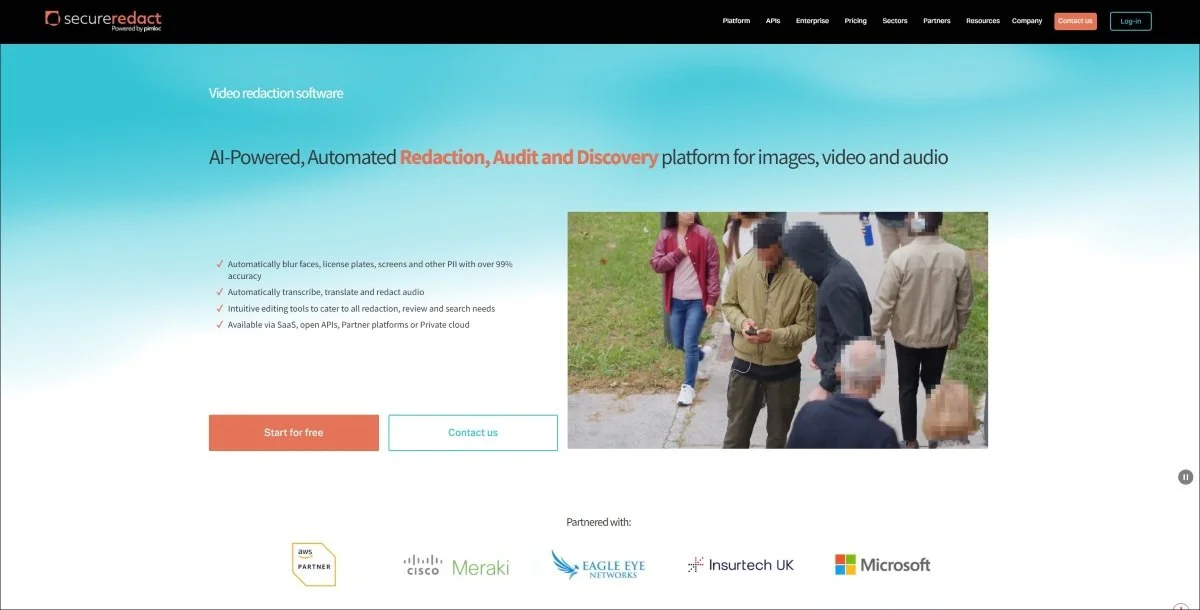
🥇 1. Secure Redact (Pimloc)
Secure Redact provides enterprise-grade automatic face detection and redaction designed specifically for organisations requiring GDPR-compliant video privacy protection. Their AI-powered system automatically identifies all faces in footage whilst providing controls for selective redaction when required.
Key features
Fully automatic AI facial recognition detecting all faces regardless of angle, lighting, or movement
Irreversible redaction ensuring privacy protection cannot be reversed
Batch processing handling multiple files simultaneously for efficient high-volume workflows
Selective face blurring allowing users to choose which detected faces require redaction
Real-time detection feedback showing identified faces before processing begins
Multiple redaction styles including blur, pixelation, and solid blocking
API integration enabling automated workflows within existing systems
Comprehensive audit trails documenting all redaction decisions for compliance
SaaS, private cloud, and on-premise deployment options
ISO 27001 information security certification
Handles poor lighting, partial occlusion, and fast movement effectively
Audio redaction integration for comprehensive privacy protection
Why choose secure redact
Organisations requiring enterprise-grade automated face blurring choose Secure Redact for the combination of sophisticated AI detection and compliance-focused features. The system processes CCTV footage, body camera recordings, and surveillance video automatically whilst maintaining audit trails essential for regulatory compliance.
The irreversible redaction proves critical for organisations where privacy protection must be absolute. Unlike blur effects potentially reversed through enhancement, Secure Redact's redaction permanently removes facial information, meeting GDPR Article 25 data protection by design requirements.
Batch processing capabilities suit organisations managing significant video volumes. Police forces processing multiple body camera files, local authorities responding to numerous CCTV requests, and enterprises handling workplace surveillance footage all benefit from automated workflows processing dozens of files simultaneously.
The selective blurring functionality addresses real-world scenarios where some individuals consent whilst others require protection. Users review automatically detected faces, deselecting those not requiring redaction whilst ensuring comprehensive coverage for non-consenting individuals.
API integration enables automated workflows within existing systems. Organisations can trigger redaction automatically upon file upload, integrate with case management systems, and embed privacy protection into established processes without manual intervention.
Best for
UK public sector organisations processing CCTV and body camera footage, enterprises requiring GDPR-compliant automated redaction, organisations needing irreversible privacy protection with comprehensive audit trails, businesses processing high video volumes requiring batch automation.
👉 Visit Secure Redact
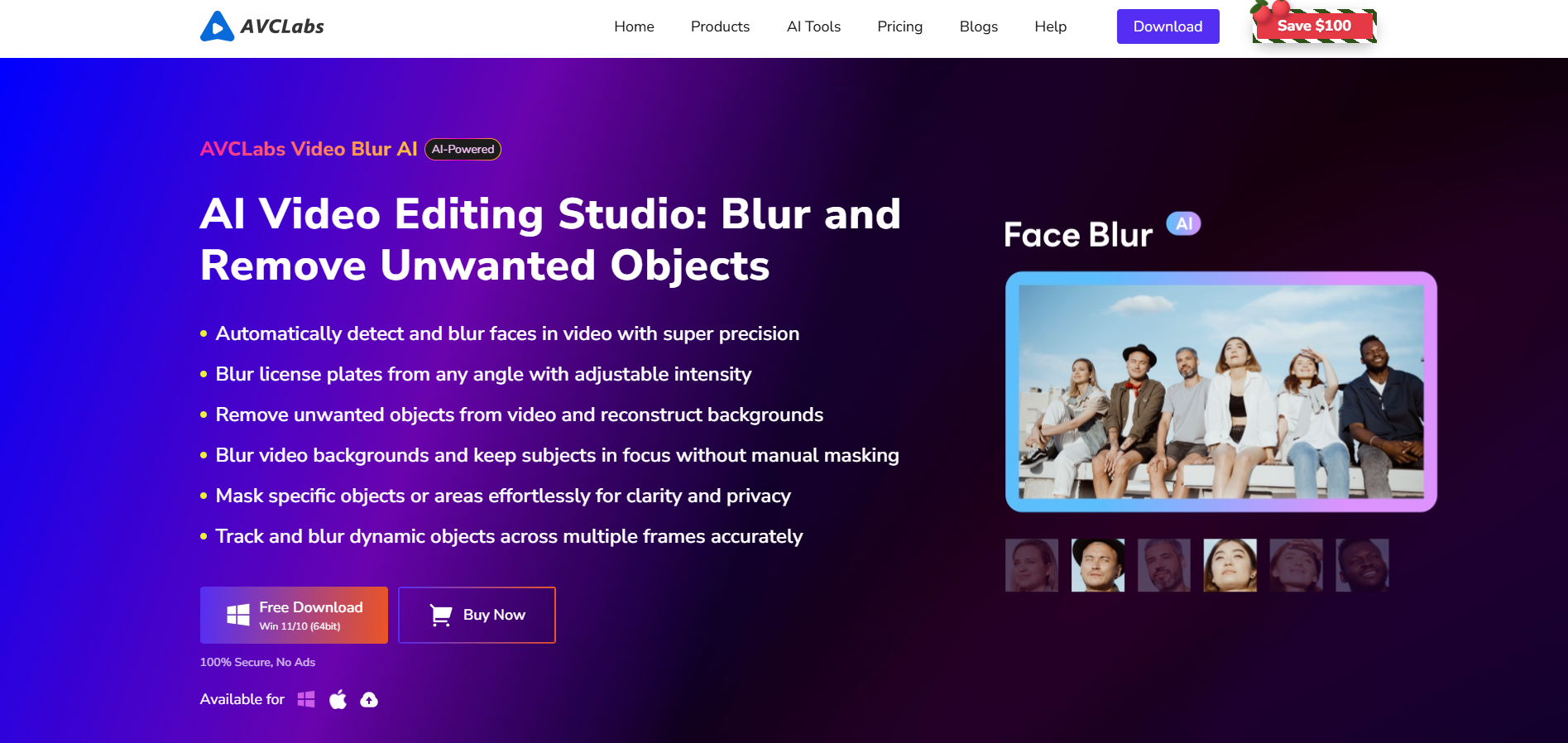
2. AVCLabs Video Blur AI
AVCLabs Video Blur AI delivers professional-grade automatic face detection reducing manual blurring workload by up to 99%. Their self-developed facial detection model handles complex scenarios including poor lighting, crowded scenes, and fast movement whilst allowing manual refinement when required.
Key features
AI facial detection technology identifying all faces automatically
Poor lighting and complex scene handling
Crowded scene processing detecting multiple simultaneous faces
Fast-moving subject tracking maintaining blur through motion
Image import recognition for selective face blurring
99% manual workload reduction versus traditional editing
Multiple blur modes (blur, pixelation, mosaic)
Manual adjustment capabilities for precision refinement
Offline local processing protecting privacy
Background blur, license plate blur, and object removal
Supports all major video formats (MP4, AVI, MOV, MKV)
Zero quality loss maintaining original video resolution
Best for
Professional video editors requiring reliable automated blurring, TV and film post-production companies processing significant footage volumes, YouTube and TikTok creators needing efficient privacy protection, businesses balancing automation with precision control requirements.
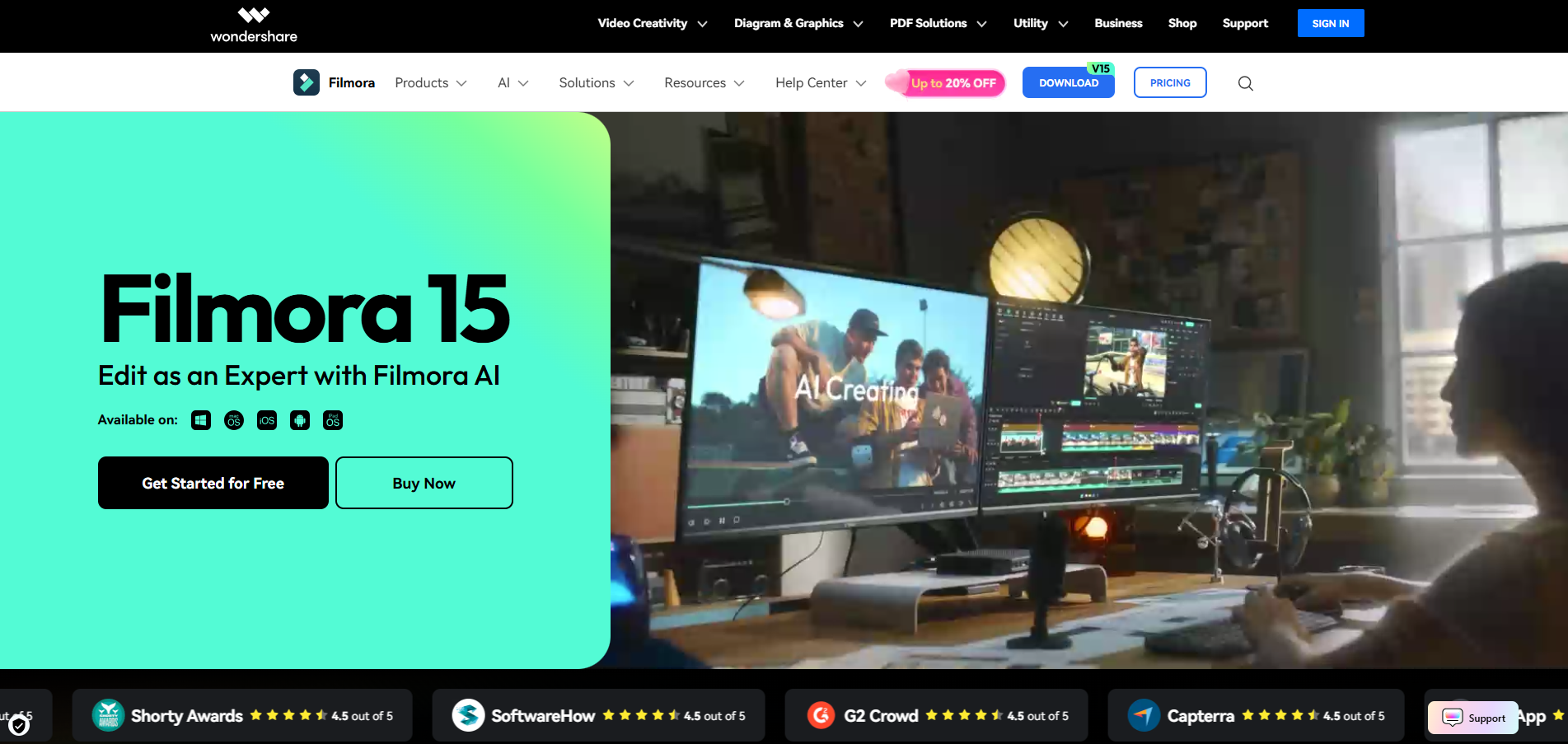
3. Filmora (AI Face Mosaic)
Filmora's AI Face Mosaic feature provides user-friendly automatic face detection particularly suited to content creators and SMEs requiring accessible automated blurring without steep learning curves. The system automatically analyses footage, detects all faces, and applies mosaic effects whilst allowing selective deselection.
Key features
Automatic AI Face Mosaic detection analysing entire footage
Multiple blur styles (mosaic, blur, pixelation)
Selective face control deselecting individuals not requiring coverage
Motion tracking maintaining blur through movement
Face-Off effect for timeline-based blurring
User-friendly interface requiring no technical expertise
Desktop and mobile versions (Android)
Real-time preview before exporting
Integration with broader Filmora editing suite
Free trial available for testing
Professional-quality output maintaining video quality
Best for
YouTube and TikTok content creators, social media managers filming public events, small businesses creating video content featuring customers or public, educators creating educational content in populated environments, creators prioritising ease of use over advanced features.
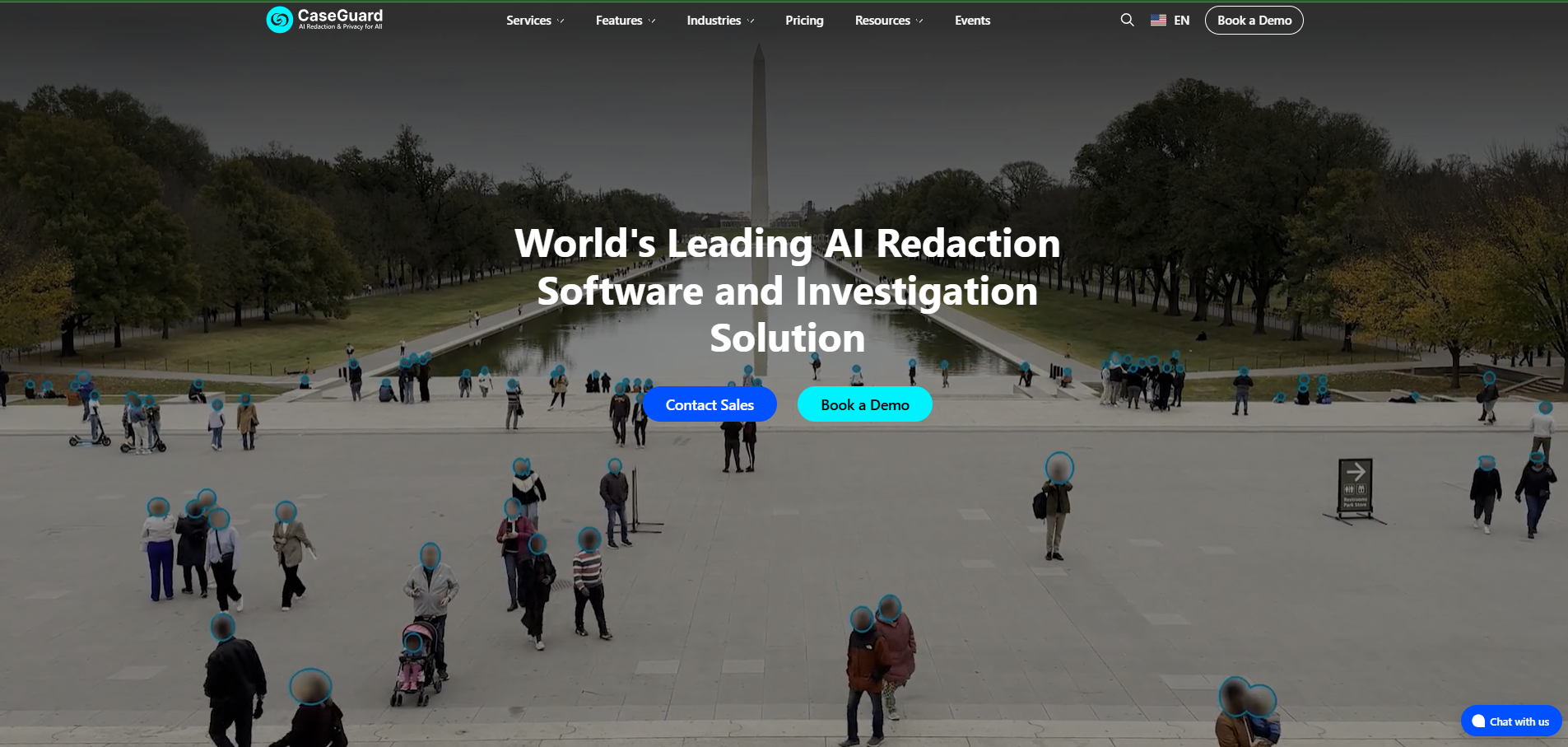
4. CaseGuard
CaseGuard addresses high-volume automated redaction through unlimited processing capability combined with sophisticated AI detection. Organisations pay per license rather than per file or per minute, making budget forecasting straightforward despite variable volumes.
Key features
Unlimited automated file processing across all licenses
AI-powered automatic face, license plate, and screen detection
Bulk redaction processing multiple files simultaneously
Audio redaction with automatic transcription
Supports video, audio, documents, and images
Fully offline operation for data sovereignty
Multiple redaction styles and customisation options
Export configured for compliance workflows
No per-file or per-minute charges
Handles poor quality footage effectively
Timeline-based manual refinement when required
Best for
UK police forces managing body camera and interview footage, local authorities processing CCTV requests, large enterprises with significant automated surveillance redaction requirements, organisations prohibited from cloud processing sensitive footage, businesses experiencing variable monthly volumes.

5. PowerDirector
PowerDirector delivers automatic AI face blur through user-friendly mobile and desktop applications suited to casual creators and professionals requiring quick automated privacy protection without complex configuration.
Key features
Automatic AI face detection identifying all faces instantly
Multiple blur styles (blur, mosaic, pixelation)
Selective face control unchecking individuals not requiring coverage
Blur strength adjustment from subtle to complete obscuration
Mobile app (iOS and Android) for on-the-go automated blurring
Desktop application for professional editing
Auto and Manual modes offering flexibility
Real-time preview before export
Integration with PowerDirector editing suite
Subscription and one-time purchase options
Professional-quality export maintaining resolution
Best for
Mobile content creators filming with smartphones, Instagram and TikTok creators requiring quick privacy protection, casual users needing simple automated blurring, creators working across mobile and desktop platforms, users prioritising ease of use over advanced customisation.
6. Blur.me / VIDIO.ai
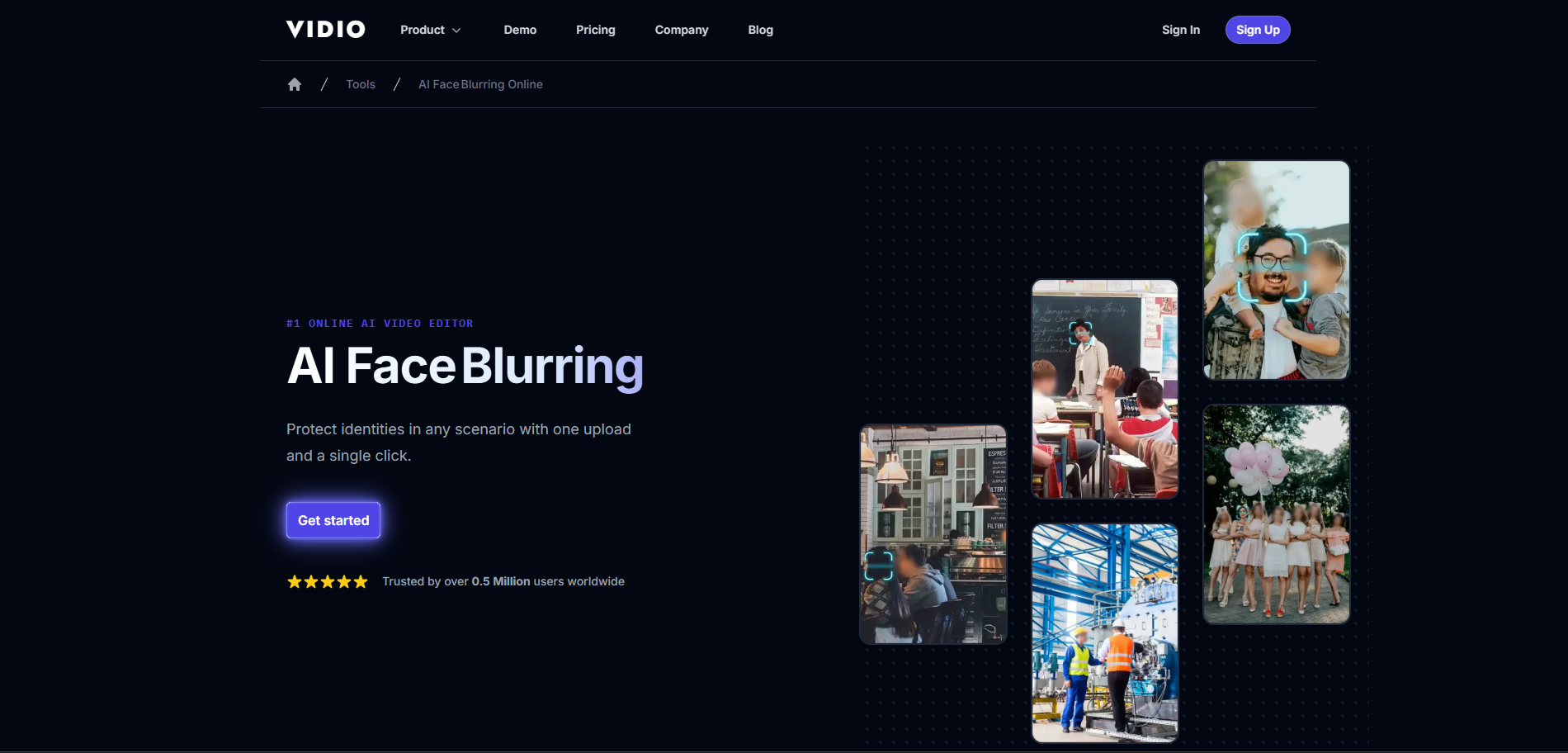
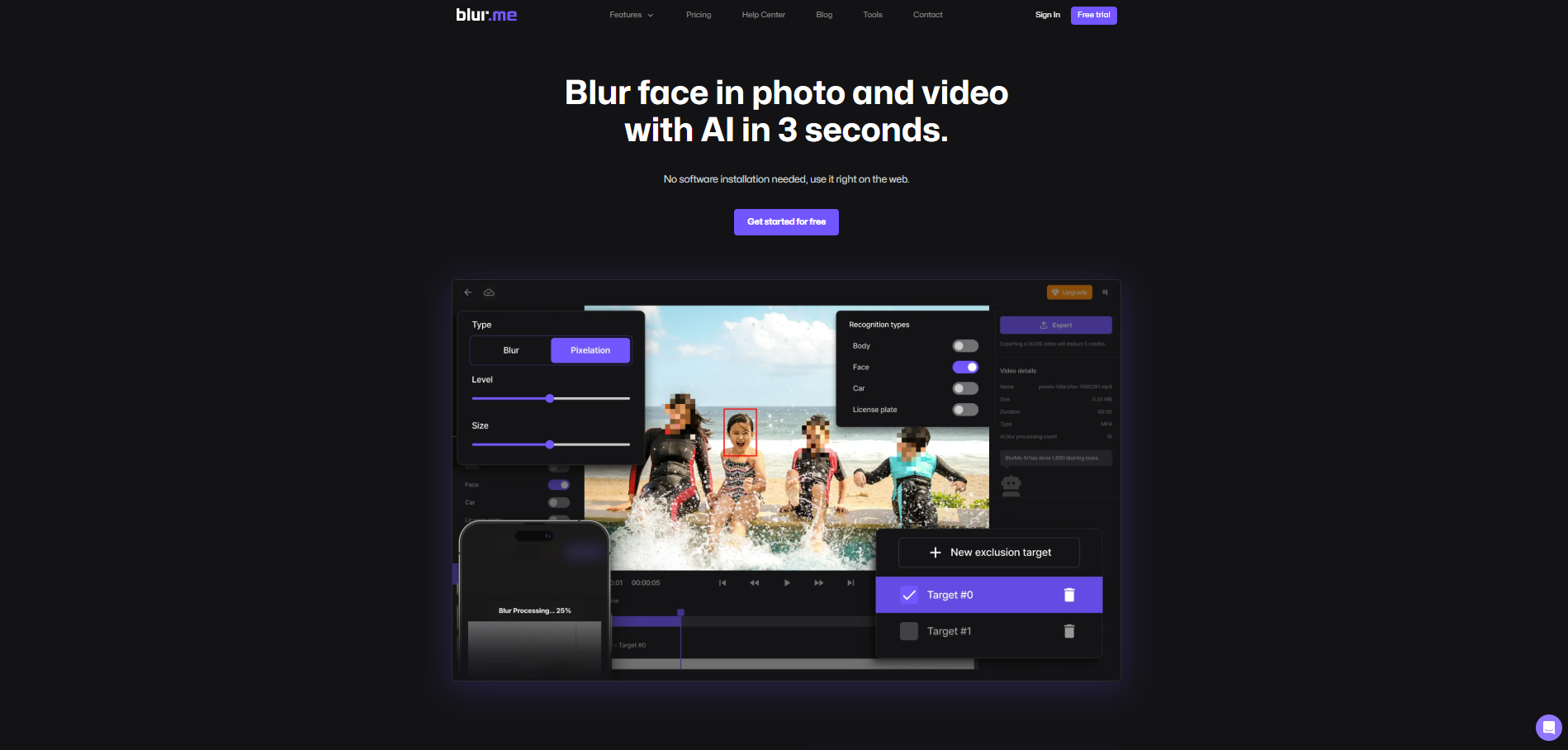
Blur.me and VIDIO.ai provide cloud-based automatic face blurring requiring no software installation. Users upload footage through browsers, AI automatically detects all faces, and processed videos download with privacy protection applied - entirely online without downloads or installations.
Key features
100% online browser-based automated blurring
No software downloads or installations required
Automatic multi-face detection handling crowds
GPU-accelerated cloud processing for speed
Works on any device with browser (desktop, mobile, tablet)
Simple three-step workflow (upload, detect, download)
Selective face control choosing which faces to blur
Gradient blur edge blending for seamless appearance
Free tier for short clips
Paid plans for longer videos and 4K exports
Privacy-first processing with secure cloud infrastructure
Handles moving faces with automatic tracking
Best for
Users requiring quick automated blurring without software installation, Chromebook and tablet users unable to install desktop applications, teams working across varied devices requiring browser accessibility, users processing occasional footage not justifying software purchase, creators requiring immediate results without setup time.
7. Sighthound Redactor
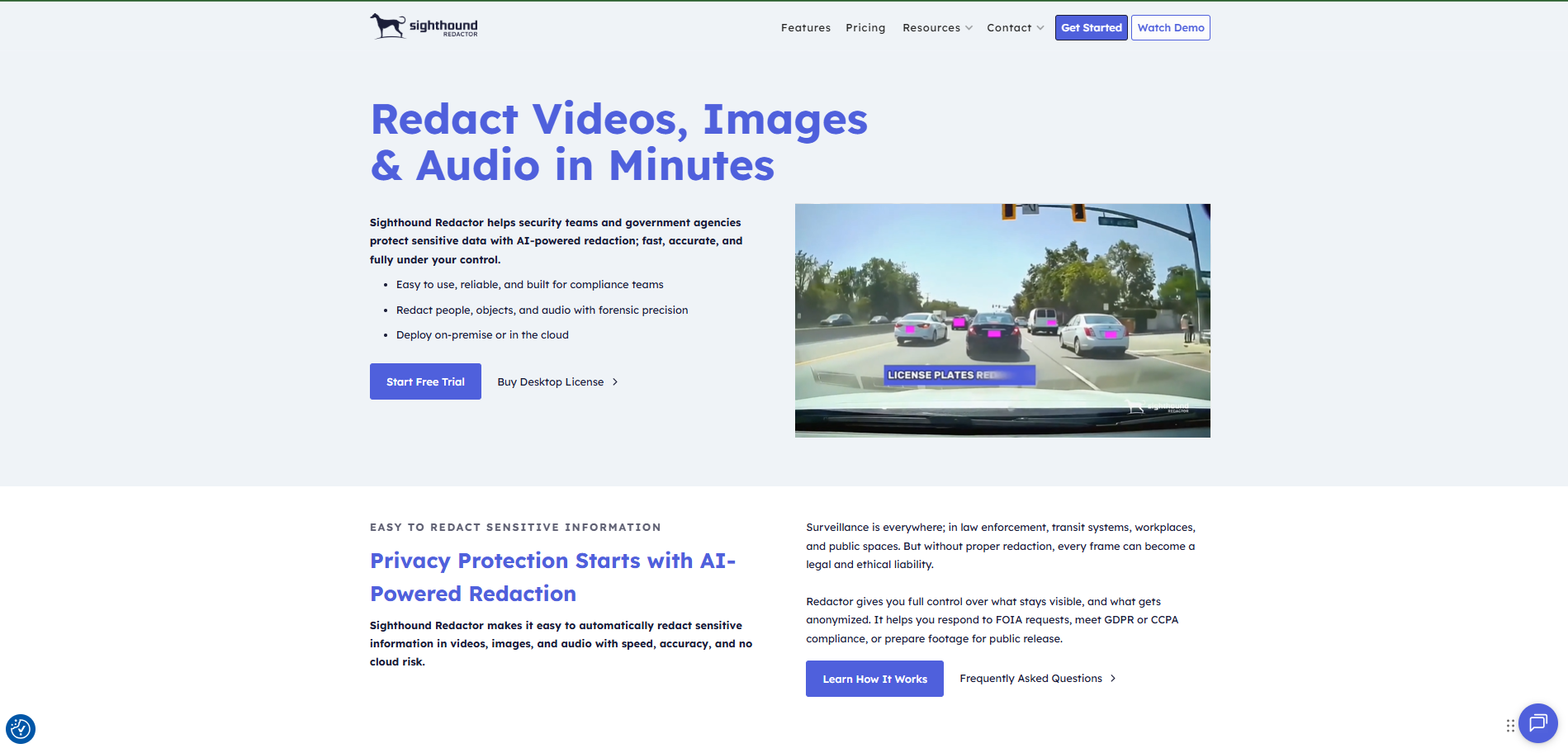
Sighthound Redactor provides automatic face and head detection operating entirely offline for organisations requiring automated blurring with absolute data sovereignty. AI models run locally, processing completes without internet connectivity, and footage never leaves controlled environments.
Key features
Automatic AI detection of heads, faces, and people
Complete offline operation with no internet requirement
Air-gapped environment compatibility
Local AI model processing
Automatic detection of vehicles and license plates
Multiple redaction styles (blur, pixelate, mosaic, fill)
Batch processing for high volumes
Desktop, client-server, and embedded deployment options
Audio transcription and keyword-based redaction
8+ language support for transcription
Manual refinement capabilities when required
GDPR Article 9 compliance for sensitive data
Best for
Healthcare providers processing patient video under GDPR Article 9 restrictions, financial institutions with strict data sovereignty requirements, government and defence organisations requiring air-gapped automated processing, organisations where "on-premise only" appears in privacy impact assessments, entities requiring automated blurring without cloud dependence.
What to look for in automatic face blur software
Selecting automated face blurring software requires evaluating several critical factors:
Detection accuracy and robustness determine whether automation truly reduces manual work or requires extensive correction. Evaluate how well systems handle poor lighting, partial occlusion, profile views, fast movement, and crowded scenes. The best tools detect faces reliably across challenging conditions.
Selective blurring capabilities prove essential for real-world scenarios. Whilst detecting all faces automatically provides efficiency, users need quick ways to deselect individuals who've consented or don't require protection whilst ensuring comprehensive coverage for others.
Processing speed and batch capabilities affect workflow efficiency particularly for high-volume users. Evaluate whether software processes individual files quickly and supports batch workflows handling dozens simultaneously without manual intervention per file.
Deployment options and data sovereignty determine suitability for organisations with security requirements. Cloud-based solutions offer convenience but require trusting third parties with footage. On-premise and offline solutions maintain data control but require local infrastructure.
Output quality and irreversibility ensure privacy protection effectiveness. Evaluate whether redaction can be reversed through enhancement (concerning for GDPR compliance) and whether blur quality maintains professional appearance without excessive quality degradation.
Integration and automation capabilities enable embedding privacy protection into existing workflows. API access, command-line operation, and system integration determine whether tools operate as standalone applications or integrate into established processes.
Audit trails and compliance features prove essential for regulated organisations. Comprehensive logging documenting detection decisions, redaction choices, and processing history supports regulatory compliance and accountability.
Cost models and scalability affect total ownership cost particularly for variable volumes. Per-file pricing suits occasional users, subscription models benefit regular usage, and unlimited processing eliminates usage concerns for high-volume organisations.
Frequently asked questions
-
Modern AI-powered detection achieves 95%+ accuracy in good conditions (clear lighting, frontal views, high resolution). Accuracy decreases with poor lighting, profile views, partial occlusion, or low resolution, though leading tools still perform well. Most software provides manual tools for correcting occasional missed detections or false positives.
-
Yes, quality automatic blur software includes motion tracking maintaining blur as faces move through frames. AI detects faces in each frame and tracks movement automatically. This proves far more efficient than manual keyframe animation traditionally required for moving subjects.
-
Both obscure facial features but differ aesthetically. Blur creates smooth gradual obscuration appearing more natural. Pixelation creates blocky mosaic effect clearly indicating intentional censorship. For GDPR compliance, irreversible redaction proves most secure as blur and pixelation can potentially be reversed through enhancement techniques.
-
Yes, most automatic blur software provides selective controls. AI detects all faces automatically, users review detected faces and deselect those not requiring coverage. This accommodates scenarios where some individuals consent whilst others require protection, or where subjects differ from bystanders.
-
Automatic blurring reduces time by 90-99% versus manual methods. Footage requires 2-3 hours manual frame-by-frame tracking processes in 5-15 minutes through automation, depending on duration, resolution, and number of faces. The time savings multiply significantly with high volumes.
-
This varies by solution. Cloud-based tools (Blur.me, VIDIO.ai) require the internet for processing. Desktop applications (AVCLabs, Filmora, PowerDirector) work offline after installation. Enterprise solutions (Secure Redact, CaseGuard, Sighthound) offer both cloud and on-premise deployment addressing varied requirements.
-
Yes, leading automatic blur software handles multiple simultaneous faces effectively. Systems designed for surveillance, events, and public space footage routinely process dozens of faces per frame. Performance depends on hardware capabilities and software optimisation, but modern tools handle typical crowd scenarios well.
-
Automatic face blurring supports GDPR compliance when implemented properly. Article 25 requires data protection by design - automatic tools facilitate this. However, compliance requires irreversible redaction (not just blur potentially reversed), comprehensive audit trails, and human oversight ensuring accuracy. Choose tools specifically designed for GDPR compliance rather than consumer video editors.