
7 Essential compliance tools for redacting any media type

Compliance officers face a documentation nightmare that traditional redaction tools simply weren't designed to handle. A single regulatory audit might demand review of customer service call recordings, loan application documents, security camera footage, email correspondence, medical consultation videos, scanned handwritten forms, and mobile app screenshots - each containing different types of regulated data requiring different privacy protections under different legal frameworks.
Most organizations cobble together separate tools for each format. One platform redacts PDFs, another handles video, a third processes audio, and somehow you're supposed to maintain consistent privacy standards, unified audit trails, and defensible compliance documentation across this fragmented ecosystem. The result? Dangerous gaps where sensitive information slips through, compliance processes that consume weeks instead of days, and audit trails so scattered they're essentially useless for demonstrating regulatory adherence.
The compliance landscape has evolved beyond single-format solutions. HIPAA protects health information whether it's in clinical notes or telehealth recordings. GDPR applies to personal data in customer databases and CCTV footage equally. Financial regulations cover transaction documents and recorded trading floor conversations. Organizations need comprehensive tools handling every format their business actually generates.
This guide examines 7 essential compliance tools for redacting any media type in 2025, evaluating their format coverage, regulatory alignment, audit capabilities, and deployment flexibility to help you build a defensible, efficient privacy protection program.
📊 Quick comparison: Multi-format compliance redaction tools
| Rank | Software | Core Strength | FOIA Features | Processing Speed |
|---|---|---|---|---|
| 1 | Secure Redact | Video, audio, documents, images | SOC 2, comprehensive audit trails, API integration | Healthcare, financial services, enterprises |
| 2 | CaseGuard | Video, audio, documents, images (750+ formats) | HIPAA, CJIS, unlimited redactions | Regulated industries, law enforcement |
| 3 | iDox.ai Redact | 47+ document formats | SOC 2, ISO 27001, HIPAA, CCPA, FISMA | Enterprise document workflows |
| 4 | Adobe Acrobat Pro | PDF, documents | Enterprise security, metadata removal | Variable by complexity |
| 5 | Redactable | Documents, PDFs | GDPR, audit exports, permanent redaction | Government, document-focused compliance |
| 6 | Apryse SDK | PDF, documents, images | Custom integration, scalable processing | Software companies, custom builds |
| 7 | Microsoft Purview | Documents, emails, SharePoint | Microsoft 365 native, DLP integration | Microsoft-centric enterprises |
🥇 1. Secure redact
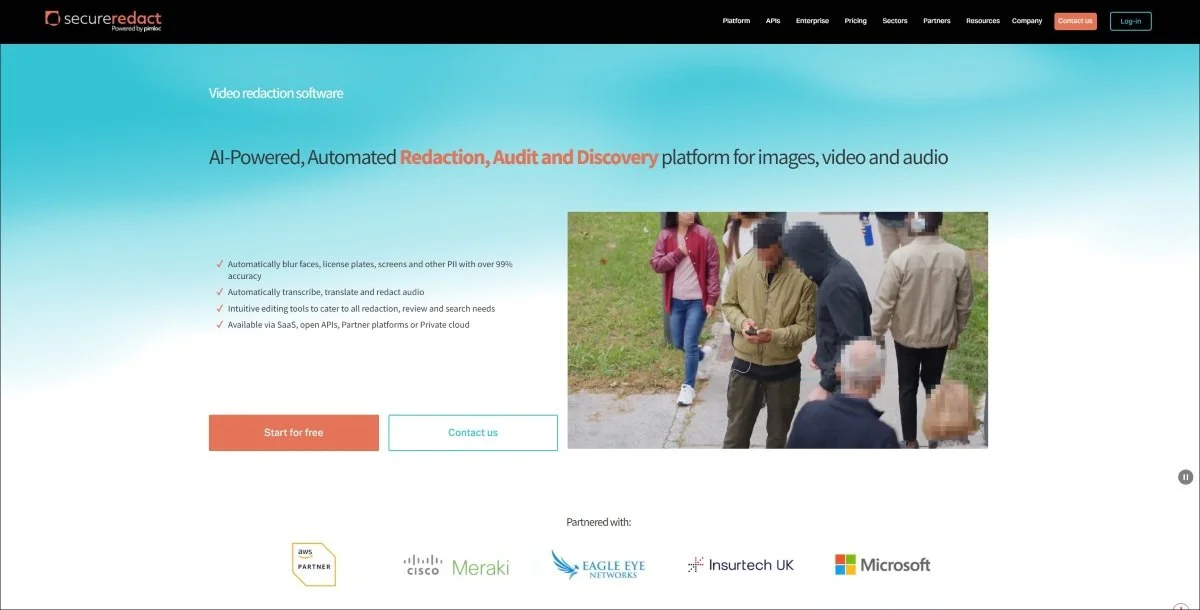
Overview: Compliance failures rarely result from ignoring a single regulation - they happen when organizations lack consistent privacy protection across the diverse formats their business generates. Secure Redact eliminates the fragmented approach forcing compliance teams to juggle separate tools for each media type, delivering unified redaction across video, audio, documents, and images with the audit trails and accuracy regulatory requirements demand.
Format coverage:
Video redaction: Body-cam footage, surveillance cameras, telehealth consultations, recorded meetings, training videos, dash-cam evidence
Audio redaction: Call center recordings, voicemails, recorded consultations, interviews, dictated notes
Document redaction: Medical records, financial statements, contracts, reports, forms, correspondence
Image redaction: Scanned documents, photographs, screenshots, ID cards, diagnostic images
Compliance capabilities:
SOC 2 Type II certification providing third-party validation of security controls and processes
Comprehensive audit trails documenting every detection, redaction decision, reviewer action, and export with timestamps and user attribution
99%+ PII detection accuracy across challenging real-world conditions including poor quality sources
Flexible deployment via secure cloud, private cloud, on-premise, or API integration meeting data sovereignty requirements
Named Entity Recognition automatically identifying and redacting spoken sensitive information in audio transcriptions
Batch processing enabling high-volume workflows handling hundreds of files efficiently
Integration capabilities with AWS, Azure, and major enterprise platforms
Why compliance officers choose secure redact:
Picture this scenario: Your healthcare organization receives a patient data access request under HIPAA. The patient's record includes clinic visit notes (documents), telehealth consultation recordings (video), prescription refill voicemails (audio), and diagnostic scan images. Each format contains protected health information requiring consistent privacy protection and documentation.
Traditional approaches force you to use separate redaction tools for each format. Documents go through one platform, video through another, audio through a third. You're managing different review workflows, separate audit logs, inconsistent privacy standards, and hoping nothing falls through the cracks. When auditors arrive asking for comprehensive redaction documentation, you're stitching together reports from multiple systems trying to demonstrate unified compliance.
Secure Redact processes everything through unified workflows. Upload the complete record package and the AI automatically handles format-specific detection - faces and text in video, spoken PHI in audio, written sensitive data in documents, identifying details in images. One review interface, one audit trail, one defensible compliance process covering all formats.
The 280x speed improvement compared to manual methods transforms compliance from operational bottleneck to routine administrative task. Organizations report completing data subject access requests in 10 minutes that previously consumed entire workdays, enabling compliance teams to meet regulatory deadlines without unsustainable staffing increases.
API integration enables privacy-by-design approaches where redaction happens automatically within existing business processes rather than requiring separate compliance workflows. Connect Secure Redact to patient portals, case management systems, or document repositories so privacy protection occurs seamlessly as part of normal operations.
Ideal For: Healthcare systems, financial institutions, insurance companies, legal firms, government agencies, and enterprises in regulated industries requiring consistent privacy protection across all media types with defensible audit documentation.
2. CaseGuard
Headquarters: New York, NY
Overview: CaseGuard delivers multimedia redaction with specific attention to the compliance requirements characterizing healthcare, law enforcement, and legal workflows where regulations demand more than functional privacy protection - they require documented, auditable, legally defensible processes.
Format coverage:
750+ file formats including video codecs, audio formats, document types, and image files
Multimedia workflows processing mixed-format evidence packages
Cross-platform compatibility handling files from diverse sources and systems
Compliance capabilities:
HIPAA compliance features meeting healthcare privacy requirements including audit trails and access controls
CJIS compliance satisfying Criminal Justice Information Services security standards
Unlimited redactions without per-file or usage-based pricing constraints
On-premise deployment ensuring sensitive data never leaves controlled environments
Comprehensive audit logging documenting all processing activities
100+ language support for audio transcription and PII detection
Why compliance officers choose CaseGuard:
Regulated industries face specific workflow requirements that generic tools don't address. Healthcare organizations need HIPAA-compliant audit trails documenting who accessed what information when. Law enforcement agencies require CJIS security controls protecting criminal justice information. Legal firms need chain of custody tracking for evidence admissibility.
CaseGuard's compliance-focused design means it understands these requirements inherently. The platform provides the documented controls, security features, and audit capabilities that compliance officers need when demonstrating regulatory adherence rather than forcing organizations to retrofit generic tools with custom processes attempting to satisfy auditors.
The on-premise deployment option addresses a critical concern for organizations with strict data sovereignty policies or regulations prohibiting cloud storage of certain information types. Particularly valuable for healthcare systems handling substance abuse treatment records, law enforcement agencies with ongoing investigations, or financial institutions with trading surveillance footage.
The unlimited redaction model eliminates concerns about per-file costs constraining thorough privacy protection. Organizations can redact as extensively as compliance demands without budget considerations creating pressure to under-redact.
Ideal For: Healthcare providers, hospitals, insurance companies, law enforcement agencies, legal firms, and organizations in regulated industries requiring on-premise deployment and industry-specific compliance features.
3. iDox.ai redact
Headquarters: Fremont, CA
Overview: Enterprise compliance demands more than functional redaction - it requires third-party validated security certifications that satisfy auditors, procurement teams, and regulatory frameworks. iDox.ai Redact delivers document-focused redaction with SOC 2 and ISO 27001 certifications providing the compliance validation regulated industries require.
Format coverage:
47+ document formats including PDF, Word, Excel, PowerPoint, and various text formats
Image formats for scanned documents and photographs
Batch processing for high-volume document workflows
Compliance capabilities:
SOC 2 Type II certification demonstrating independently verified security controls
ISO 27001 compliance providing internationally recognized information security management validation
HIPAA compliance features for healthcare organizations
CCPA support meeting California Consumer Privacy Act requirements
FISMA compliance enabling federal agency deployment
AES256 encryption with FIPS 140-2 compliance for data protection
99%+ PII detection accuracy across common sensitive data types
Developer API access enabling integration with existing enterprise systems
Why compliance officers choose iDox.ai:
When compliance officers evaluate new tools, they face questions from risk committees, procurement teams, and auditors demanding verification that vendors meet security standards. Generic assurances about "enterprise security" don't satisfy skeptical stakeholders who've seen data breaches result from inadequate vendor security.
iDox.ai's SOC 2 Type II and ISO 27001 certifications provide third-party validation that independent auditors have verified security controls, processes, and practices meet rigorous standards. This documentation satisfies procurement requirements, reduces vendor risk assessment burden, and provides defensible evidence that the organization performed appropriate due diligence when selecting redaction tools.
The multi-regulatory compliance support means the same platform serves healthcare organizations requiring HIPAA compliance, California businesses needing CCPA features, federal contractors demanding FISMA certification, and financial services firms requiring SOC 2 validation. Organizations avoid managing different tools for different regulatory frameworks.
The 2-minute average processing time for 10-page documents enables compliance teams to handle high volumes without creating operational bottlenecks. Particularly valuable for organizations managing hundreds of monthly data subject access requests, regulatory inquiries, or litigation discovery obligations.
Ideal For: Financial services, healthcare systems, federal contractors, California businesses, and enterprises requiring certified security validation for compliance with multiple regulatory frameworks.
4. Adobe acrobat pro
Headquarters: San Jose, CA
Overview: For organizations already invested in Adobe's enterprise ecosystem, Acrobat Pro provides integrated PDF redaction capabilities reducing procurement complexity and leveraging existing user familiarity rather than introducing separate specialized platforms.
Format coverage:
PDF documents with comprehensive editing and management capabilities
Scanned documents via OCR conversion
Microsoft Office integration for Word, Excel, PowerPoint conversion
Compliance capabilities:
Permanent redaction removing underlying data rather than merely obscuring it
Metadata removal eliminating hidden information from documents
Pattern-based search and redact for consistent handling of repeated sensitive information
Enterprise security features including encryption and access controls
Adobe Document Cloud integration for centralized management
Audit trail capabilities tracking document actions
Why compliance officers choose Adobe:
Organizations often discover they already own the tools they need. Companies with Adobe enterprise agreements find Acrobat Pro's redaction features already available without additional procurement, vendor management, contracts negotiation, or budget approvals. For organizations where PDF documents represent the primary redaction need, leveraging existing tools offers practical efficiency.
The familiar interface matters more than many compliance officers initially recognize. Users already understand Adobe's interface conventions, reducing training requirements and adoption friction. Particularly valuable when redaction is occasional rather than constant - users don't need to maintain proficiency with specialized tools used monthly instead of daily.
Pattern-based redaction benefits compliance workflows handling standardized sensitive information appearing repeatedly. Search once for Social Security number patterns, account numbers, employee IDs, or case numbers, then redact all instances simultaneously rather than manually hunting each occurrence across lengthy documents. This reduces both time requirements and the risk of missing instances.
However, Adobe's document focus means organizations requiring video, audio, or complex multimedia redaction need supplementary tools. It serves document-centric compliance needs rather than comprehensive multi-format requirements.
Ideal For: Professional services firms, legal departments, HR teams, and organizations with existing Adobe enterprise agreements where PDF documents represent the primary redaction requirement.
5. Redactable
Headquarters: San Francisco, CA
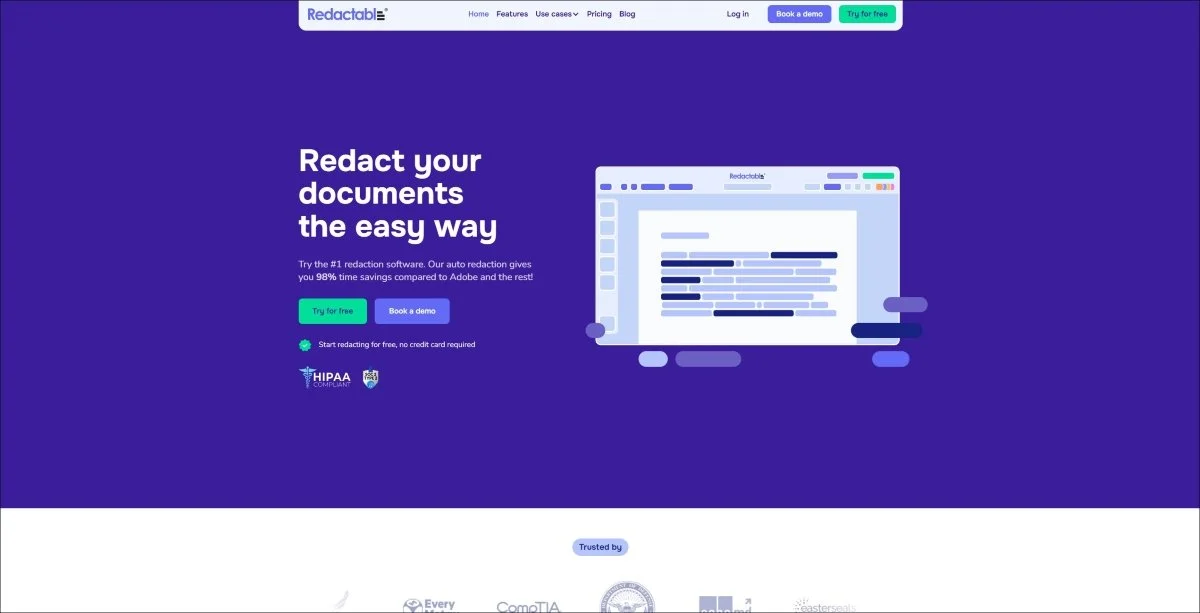
Overview: Redactable provides cloud-native document redaction with AI-powered PII detection and compliance features serving government agencies and organizations with document-focused privacy protection requirements.
Format coverage:
Documents and PDFs with automated processing
Scanned documents via OCR capabilities
Cloud storage integration with Google Drive, Dropbox, OneDrive, Box
Compliance capabilities:
GDPR compliance support for European data protection requirements
Batch audit exports providing comprehensive processing documentation
99%+ accuracy detecting common PII types
Permanent redaction with complete metadata removal
Category-based AI classification identifying SSNs, addresses, names, credit cards
Transparent processing with clear documentation
Why compliance officers choose Redactable:
Document-heavy compliance workflows - responding to data subject access requests, preparing regulatory submissions, handling litigation discovery - benefit from specialized tools optimized specifically for document processing rather than general-purpose platforms attempting to serve all formats adequately.
Redactable's document focus enables depth in this specific domain. The AI understands document-specific contexts, layouts, and patterns that pure computer vision systems struggle with. It handles scanned handwritten notes, complex tables, multi-column layouts, and other document challenges more effectively than platforms treating documents as just another format requiring basic text detection.
The cloud integration streamlines workflows for organizations already using cloud storage platforms. Redact documents directly within Google Drive or Dropbox rather than downloading, processing separately, then re-uploading. This reduces manual handling while maintaining centralized storage and version control.
The batch audit export provides compliance officers with comprehensive reporting demonstrating privacy protection processes when auditors or regulators demand documentation. Rather than manually compiling evidence of compliance, export complete processing logs showing what was redacted, when, by whom, and why.
Ideal For: Government agencies, legal firms, healthcare administration, HR departments, and organizations with document-focused compliance requirements needing GDPR support and cloud integration.
6. Apryse SDK
Headquarters: California
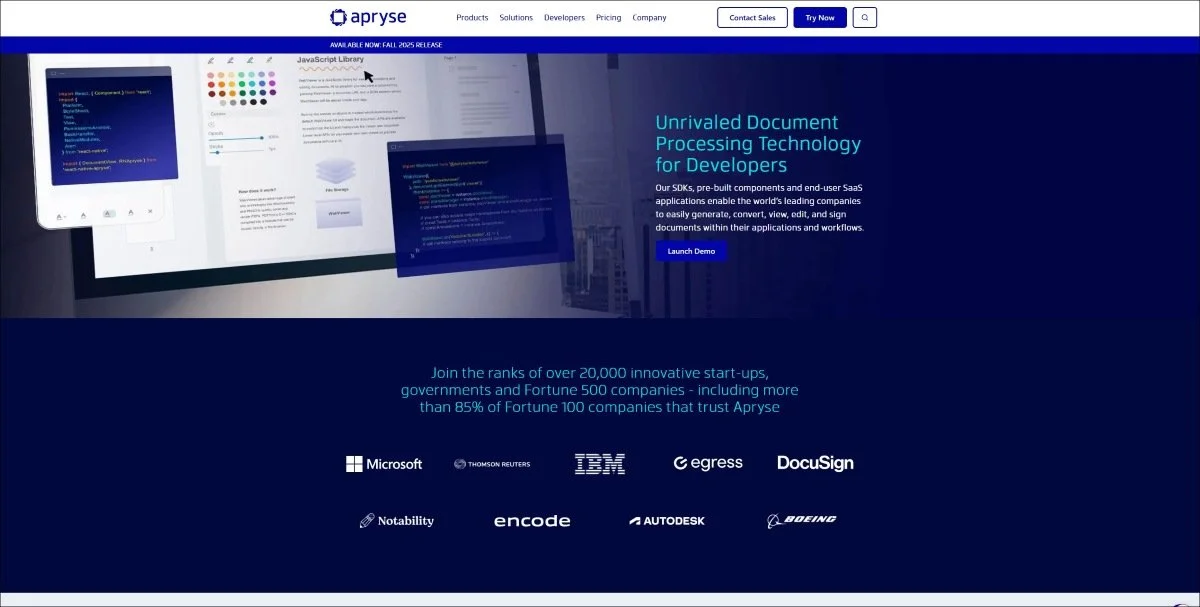
Overview: Organizations with development resources can build custom redaction capabilities directly into proprietary applications using Apryse's SDK, enabling privacy-by-design approaches where redaction happens automatically within existing business processes rather than requiring separate compliance workflows.
Format coverage:
PDF, documents, and images with comprehensive SDK support
Web, mobile, desktop, and server deployment flexibility
Customizable processing for organization-specific requirements
Compliance capabilities:
AI-powered sensitive data recognition with 2025 enhancements
Customizable workflows matching specific compliance requirements
Integration with existing applications enabling seamless processing
Scalable architecture handling enterprise volumes
Developer-friendly documentation supporting implementation
Why compliance officers choose Apryse:
Off-the-shelf tools force organizations to adapt their workflows to software constraints. Custom-built solutions using Apryse's SDK enable the opposite - software adapting to compliance requirements. Organizations build redaction directly into patient portals, case management systems, document repositories, or proprietary applications where privacy protection happens automatically as part of normal operations.
This privacy-by-design approach reduces compliance burden. Instead of compliance teams manually processing files through separate redaction tools, automated redaction occurs when documents are uploaded, when records are requested, or when reports are generated. The result is consistent privacy protection without additional manual workflows.
However, Apryse requires internal development resources for implementation and customization. Organizations without dedicated developers should consider user-friendly alternatives rather than attempting technical implementation beyond their capabilities. The SDK serves technology-forward organizations, not those seeking turnkey solutions.
Ideal For: Software companies, SaaS providers, healthcare technology firms, legal tech companies, and enterprises with development teams building custom applications requiring integrated redaction capabilities.
7. Microsoft Purview
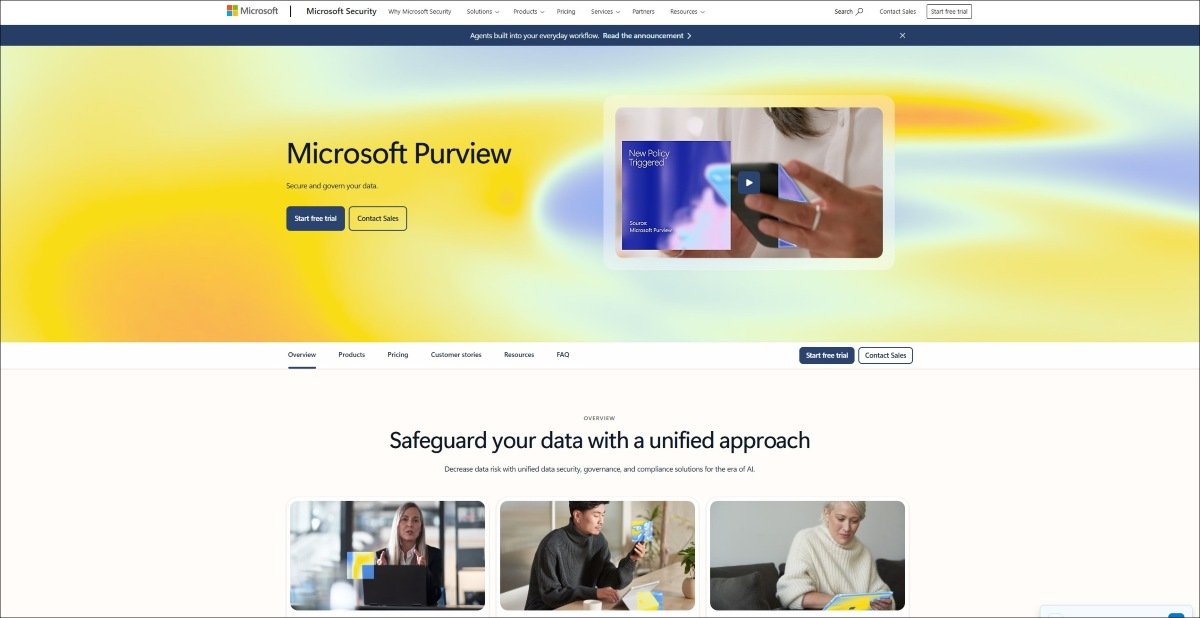
Overview: Organizations standardized on Microsoft 365 can leverage Purview's built-in information protection and data loss prevention capabilities including sensitive information identification and redaction features integrated throughout the Microsoft ecosystem.
Format coverage:
Microsoft 365 documents including Word, Excel, PowerPoint
Email and Outlook with built-in protection
SharePoint and OneDrive cloud storage integration
Teams conversations with sensitivity labeling
Compliance capabilities:
Sensitive information types with pre-built and custom detection patterns
Data loss prevention preventing inadvertent disclosure
Retention policies managing information lifecycle
Audit logging documenting access and actions
Compliance Manager assessing regulatory adherence
Integration with Microsoft 365 providing seamless workflows
Why compliance officers choose Purview:
Microsoft-centric organizations already invested in Microsoft 365 enterprise agreements find Purview's capabilities included rather than requiring separate procurement. For organizations where sensitive information lives primarily within Microsoft's ecosystem - SharePoint document libraries, Exchange emails, OneDrive storage, Teams conversations - leveraging native capabilities offers practical efficiency.
The integration advantage matters for compliance officers managing information governance across enterprise environments. Sensitivity labels applied in Purview automatically flow through the Microsoft ecosystem. Documents marked confidential in SharePoint maintain protection when downloaded, emailed, or shared through Teams. This consistent labeling and protection reduces the fragmented approaches requiring manual handling at each stage.
However, Purview serves best as part of broader compliance strategies rather than specialized redaction tool replacement. Organizations requiring video redaction, audio processing, or capabilities beyond Microsoft's document-centric focus need supplementary platforms.
Ideal For: Enterprises standardized on Microsoft 365, organizations with primarily document-based compliance requirements, and companies seeking information protection integrated throughout their existing Microsoft ecosystem.
FAQs
-
Unified platforms like Secure Redact and CaseGuard handle video, audio, documents, and images through single workflows, ensuring consistent privacy protection and centralized audit trails. Separate tools create fragmented processes and dangerous gaps where sensitive information escapes redaction.
-
Look for platforms with relevant certifications (SOC 2, ISO 27001, HIPAA), comprehensive audit trails documenting all processing, accuracy rates exceeding 95%, and human review workflows enabling trained staff to verify automated detections before release. No automation eliminates the need for human oversight.
-
Many platforms offer API access, cloud integrations, and enterprise system connections enabling automated workflows. Evaluate integration capabilities during vendor selection to ensure redaction processes connect with existing case management, document repositories, or compliance platforms rather than creating isolated workflows.
-
Redaction permanently removes sensitive information from documents for disclosure or sharing. Data masking obscures production data in non-production environments like testing or development. While related, they serve different purposes - redaction for external disclosure, masking for internal security.
-
Commercial platforms provide immediate functionality with vendor support, regular updates, and proven compliance features. Custom builds offer perfect workflow fit but require ongoing development resources and maintenance. Most organizations benefit from commercial tools unless highly specialized requirements justify custom development investment.
-
AI-powered platforms like Secure Redact use computer vision and machine learning to detect faces, license plates, documents, and objects in visual media automatically. Audio redaction uses transcription with Named Entity Recognition identifying spoken sensitive information. These technologies make unstructured data redaction practical at scale.