How to upload a video to Secure Redact SaaS
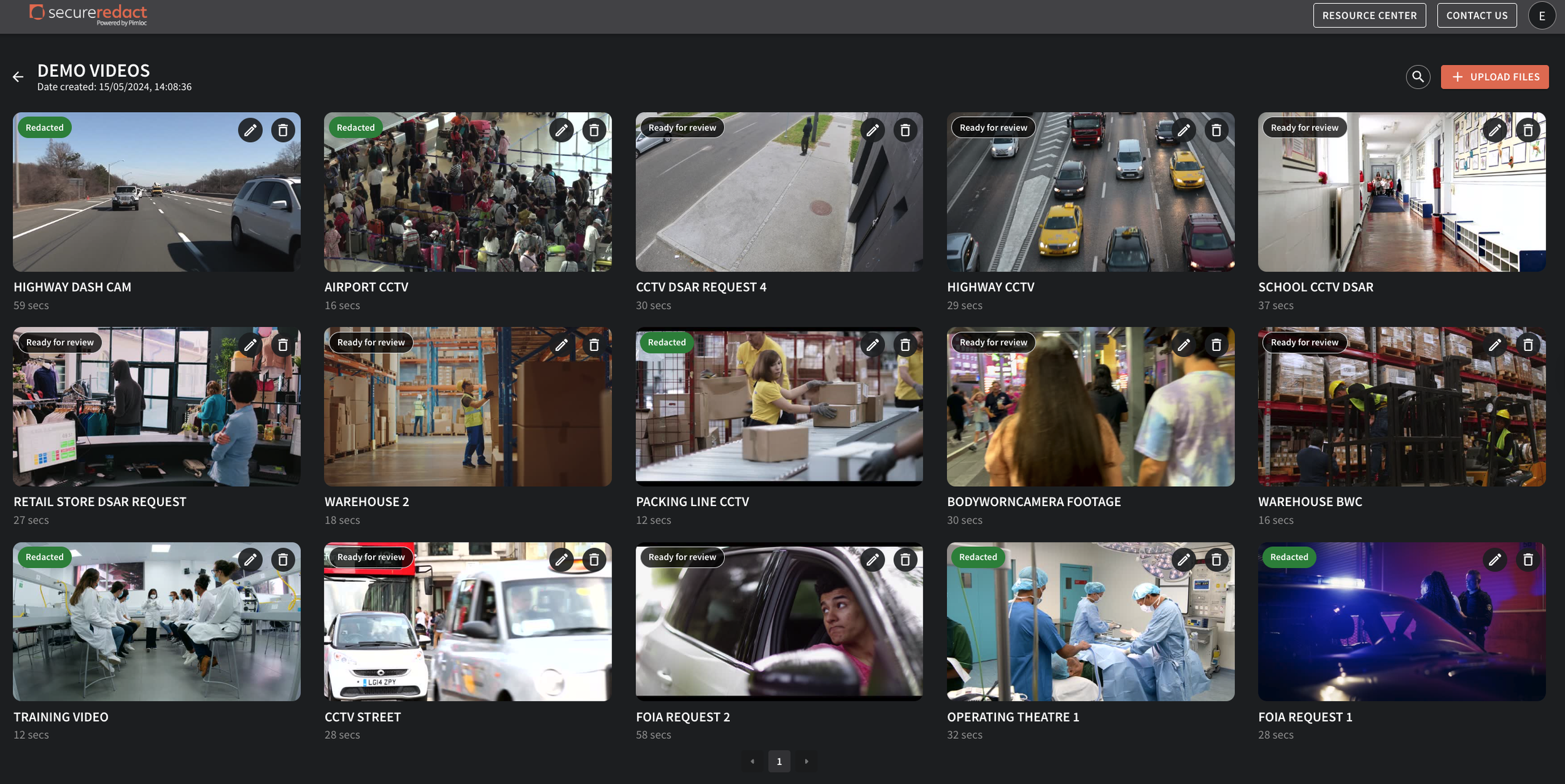
When you login to your Secure Redact account, your homepage will appear. Here is where all your uploaded media files are housed.
Click Upload files and Drag and drop (or click to select) the files or a folder you wish to redact. We support all major video file and audio file formats, with documents/PDFs to come. Then click, Next.
Choose to auto-detect:
Faces/Heads
License Plates
Screens (digital displays that appear in videos)
Text (scene text that appears in a video, such as signs, house numbers etc.)
Auto-generate a Transcript for audio in video/audio files - from here, you can choose to auto-translate from French, German, Hindi, Italian, Lithuanian, Polish, Punjabi, Romanian, Spanish, Swedish, Thai or Urdu - into English.
Click Upload.
Once the video is uploaded, converted and automatic redaction boxes are added, you can view the video in the video player for review.
N.B.:
If you have lots of videos on the go as opposed to just one, your video will be automatically added to the current job queue for processing and automatic redacting. The videos will be “queued” in the pop-up video list (viewable on the homepage).
You can play/pause a video upload via the pop-up video list. If a file fails to upload, re-try from this list (bottom right).